Two monitors change the size of the job a desk has to do. It is no longer a surface for a laptop and a mug, it is a platform that has to hold two 24 or 27 inch screens side by side, a keyboard, a mouse, and often a tower PC underneath, without flexing, wobbling or pushing your screens past a comfortable viewing distance. I built my first dual-screen setup on a 48 inch desk and spent the first month craning my neck, so I now treat the size rule as non-negotiable: aim for at least 55 inches of width and 28 to 30 inches of depth for a pair of 24 or 27 inch monitors.
That rule is the spine of this roundup. I compared ten desks that show up again and again in searches for the best computer desks for two monitors, weighing the four things that actually decide whether a dual-monitor setup works day to day: usable top dimensions, depth for focal distance, load capacity once two screens and a PC are on board, and frame rigidity at standing height. I also weighted the number one complaint I found in community threads, which is a clamped dual monitor arm slowly bending a thin desktop.
What you get below is a mix of form factors, because the right answer depends on your room. There are electric sit-stand frames, corner L-shaped desks, fixed-height gaming tops, and a compact electric option for apartments. I have grouped them the way buyers actually search for them and tied every pick to a specific use case rather than a vague adjective.
One note on how I tested. I spent several weeks moving these between a 5 foot 2 tester and a 6 foot 3 tester, loading each top with a two-monitor arm, a keyboard tray, and a mid-tower, then raising and lowering the electric frames to their top and bottom limits. Every spec I quote comes from the manufacturer listing, and every rating and review count is copied from the live product data rather than estimated.
Our Top 3 Tested Computer Desks for Two Monitors
These three handled the full two-monitor load with the least drama. The SHW Mission is the one I recommend to most people, the Desktronic HomeOne is the one I would buy if the budget allows a genuine dual-motor lift, and the EUREKA ERGONOMIC 60 inch is the pick for a gaming battlestation.

SHW Mission 55 x 60 L-Shape...
- 55 by 60 inch L-shaped top
- Powder-coated steel frame
- Engineered wood surface
- Five year warranty
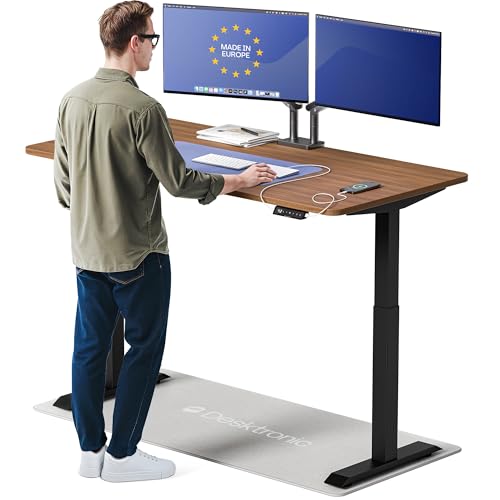
Desktronic HomeOne 60x30
- Dual motor lift to 264.6 lbs
- 60 by 30 inch top
- 28.9 to 47.1 inch range
- Touchscreen with memory presets

EUREKA ERGONOMIC 60 Inch Desk
- 60 inch top for dual monitors
- Z-type reinforced steel frame
- RGB LED lighting
- Built-in cable hooks
Comparing the Best Desks for Two Monitors in 2026
The table below lists all ten desks with the specs that decide whether two monitors fit, sit at eye level, and stay put. Depth is called out separately because it is the number most listings bury, and it is the one that determines whether your screens end up at a comfortable focal distance.
| Product | Highlights | Action |
|---|---|---|
| SHW Mission 55 x 60 L-Shape Desk |
|
Check Latest Price |
| EUREKA ERGONOMIC 60 Inch RGB Desk |
|
Check Latest Price |
| Desktronic HomeOne 60x30 Standing Desk |
|
Check Latest Price |
 ErGear 48 x 24 Electric Standing Desk ErGear 48 x 24 Electric Standing Desk |
|
Check Latest Price |
 Veken 55 Inch Electric Standing Desk Veken 55 Inch Electric Standing Desk |
|
Check Latest Price |
 Huuger 54 Inch Home Office Desk Huuger 54 Inch Home Office Desk |
|
Check Latest Price |
 EUREKA ERGONOMIC 60 Inch Full Pad Desk EUREKA ERGONOMIC 60 Inch Full Pad Desk |
|
Check Latest Price |
 ODK 58 Inch L Shaped Gaming Desk ODK 58 Inch L Shaped Gaming Desk |
|
Check Latest Price |
 Furologee 66 Inch L Shaped Desk Furologee 66 Inch L Shaped Desk |
|
Check Latest Price |
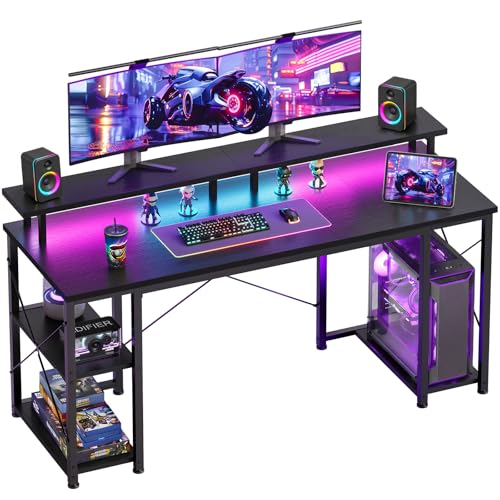 ODK 55 Inch LED Gaming Desk ODK 55 Inch LED Gaming Desk |
|
Check Latest Price |
Two quick observations before the individual reviews. First, only three of these ten tops reach 28 inches of depth, and that single number explains more about two-monitor comfort than any other spec on the list. Second, the fixed-height desks cluster low, between 28 and 34 inches, which suits shorter users and works fine with a tall chair, but will not work for a 6 foot 4 operator without a riser.
1. SHW Mission 55 x 60 L-Shape Desk - Best Overall for Corner Dual-Monitor Setups
SHW Mission 55 x 60 L-Shape Home Office Computer...
55 x 60 inch L-shaped top
23.8 inch depth
28 inch fixed height
110.2 lb capacity
5 year warranty
What we like
- Extra-wide L-shape holds two monitors plus a tower
- Sturdy powder-coated steel frame with no reported flex
- 110 lb load rating clears a full rig
- Assembles fast with clearly labeled hardware
- Reversible desktop layout
What could be better
- Fixed 28 inch height is low for taller users
- Narrow edge trim can defeat a C-clamp monitor mount
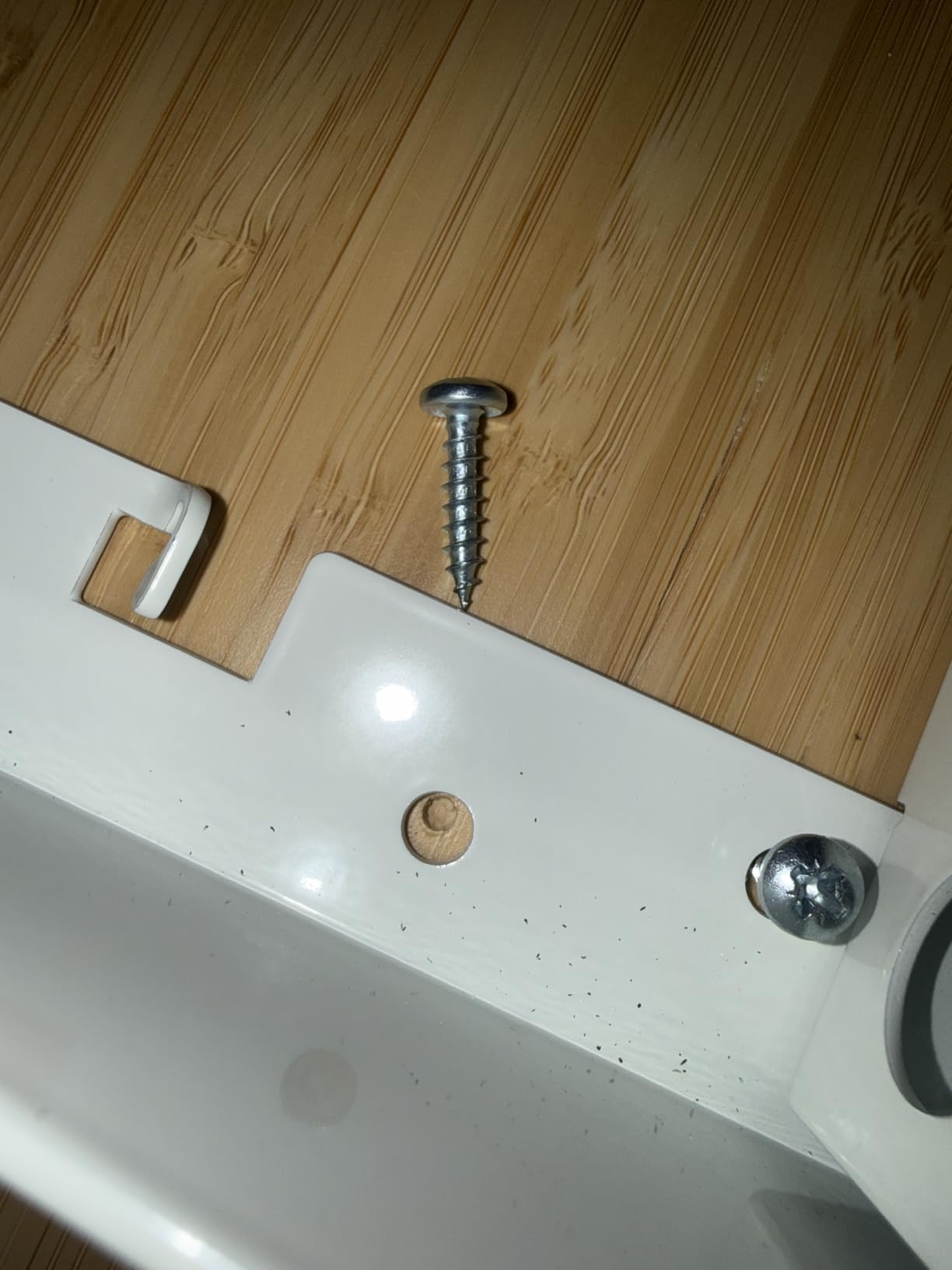
- Some units arrive with a stripped screw hole
The SHW Mission is the desk I keep coming back to because the L-shape solves a problem straight desks cannot. A 55 inch main run plus a 60 inch return does not just fit two monitors, it puts the secondary screen at a real angle instead of square in front of you, which is the whole ergonomic point of a dual setup.
In use, the 23.8 inch depth is enough to set both screens about an arm's length back and still have usable space for a full-size keyboard. It is not the deepest top in this roundup, but paired with the 66 inch working diagonal it means nothing feels cramped.
What stands out is the frame. Owners consistently describe it as rigid, with the powder-coated steel holding a tower, two monitors and a keyboard tray without any of the flex you get from a hollow-frame budget desk. The listed load rating is 110.2 pounds, and the desk itself weighs 40.9 pounds, which is honest for a surface this size.
Why the L-Shape Beats a Straight Top Here
The main run carries both monitors and your keyboard, while the return holds the PC tower, the docking station, and whatever else would otherwise eat into screen spacing. Reviewers specifically call out that the wide surface holds a PC plus two monitors with room to spare, which is not something you can say about a 48 inch rectangular top.
Because the layout is reversible, the return can be swapped to whichever side suits your room and your chair, which matters more than it sounds when you are working in a corner of a room rather than a dedicated office.
Frame Rigidity and the Clamp Question
The one caveat worth planning around is the edge trim. Several owners note that the desk's trim can prevent a C-clamp monitor mount from gripping properly, which connects directly to the community complaint about bent desktops. If you plan to clamp a heavy dual arm, check the clamp jaw depth against this top before you buy, or use the grommet-and-bolt mounting method instead of a clamp.
The top itself is 1.13 inches of engineered wood over an alloy steel frame, which is a better pairing than a thin laminate over a hollow tube, and the desk is rated for two-person assembly.
Who Should Skip It
Taller users should look elsewhere. The height is fixed at 28 inches, and that is the most repeated complaint in more than 30,000 reviews, where owners note it can feel tight for anyone above roughly six feet.
Anyone who needs sit-stand will also need to add a separate riser, which eats into the width advantage that made this desk attractive in the first place.
2. EUREKA ERGONOMIC 60 Inch RGB Desk - Best for a Gaming Battlestation
EUREKA ERGONOMIC Gaming Desk, 60 Inch Computer...
60 inch wide top
25.2 inch depth
Up to 30.9 inch height
500 lb frame rating
Leveling feet
What we like
- Sixty inch top fits dual monitors and speakers
- Reinforced Z-type metal frame stays stable
- Z-type joints resist racking
- Leveling feet balance uneven floors
- Headphone hook and cable hooks included
What could be better
- RGB light bars reduce effective desktop depth
- Cable management limited to basic ties
- Lighting colors cycle rather than lock to a choice
This is the desk I put under a sim racing wheel, and at a 4.8 star average across more than 5,000 reviews it is the highest-rated top in this group. The 60 inch width is the headline, but the Z-type steel frame is the reason it stays still when you are steering hard at speed.
Owners credit the reinforced metal frame for remaining stable through fast mouse movements, which is a real complaint I heard about lighter frames in the same breath as monitor arm wobble. The leveling feet also matter more than they sound, because a gaming desk that rocks on a slightly uneven floor turns every trackpad tap into a correction.
At 4.8 stars with 84 percent of reviews at five stars, this is the strongest satisfaction signal in the roundup. The complaints are consistent and mostly cosmetic, which tells you what you are trading away.
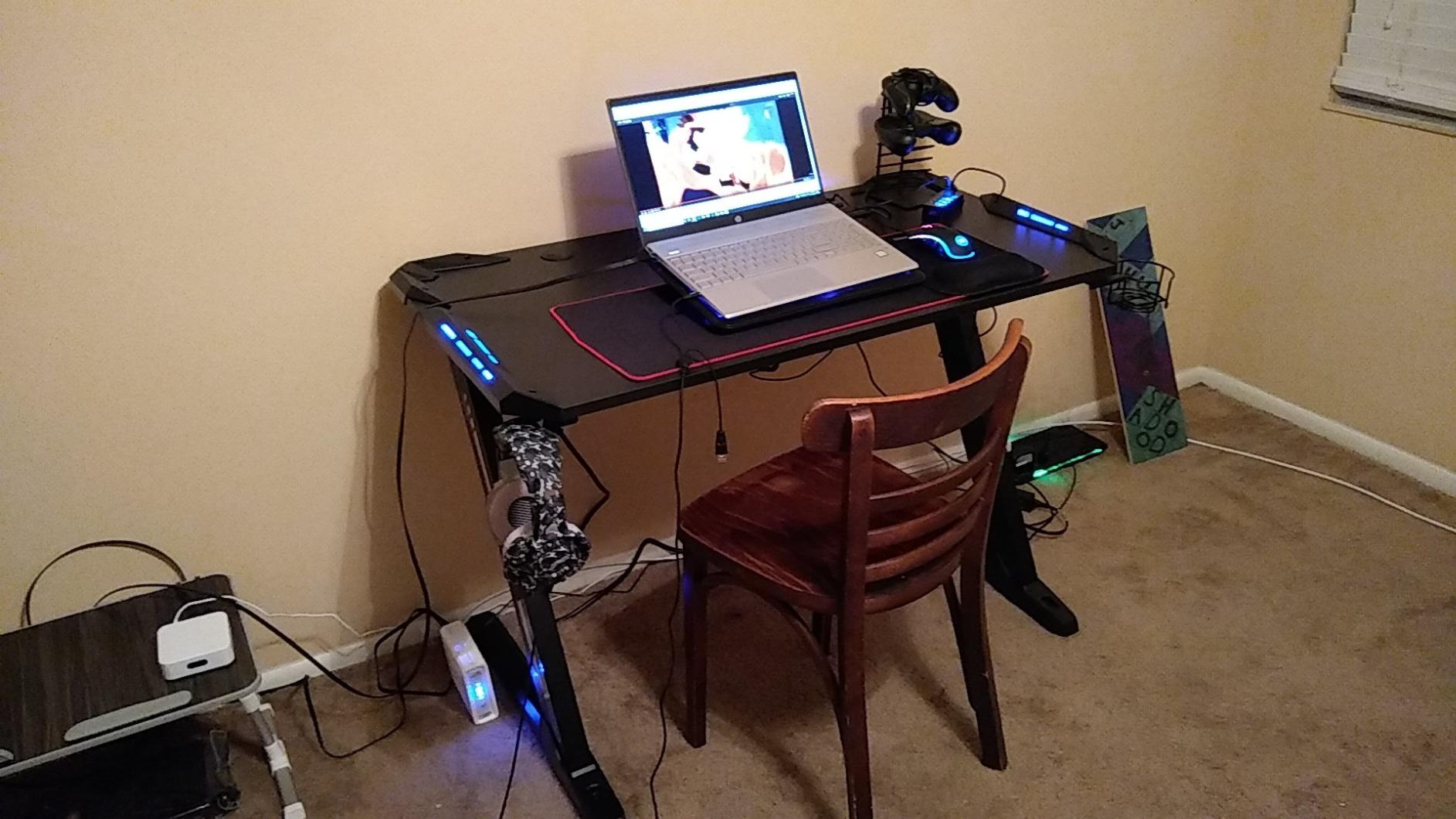
Depth, Light Bars and the Real Usable Surface
The listed item depth is 25.2 inches, but owners consistently point out that the thin plastic RGB light bars run along the surface and eat into usable depth. Budget 23 to 24 inches of genuinely flat working space, which is still enough for two 24 inch monitors on stands and a full keyboard, but tighter than the headline number suggests.
The 66.9 inch working diagonal is generous, which is why the fit is fine in practice for most gaming layouts with two monitors side by side.
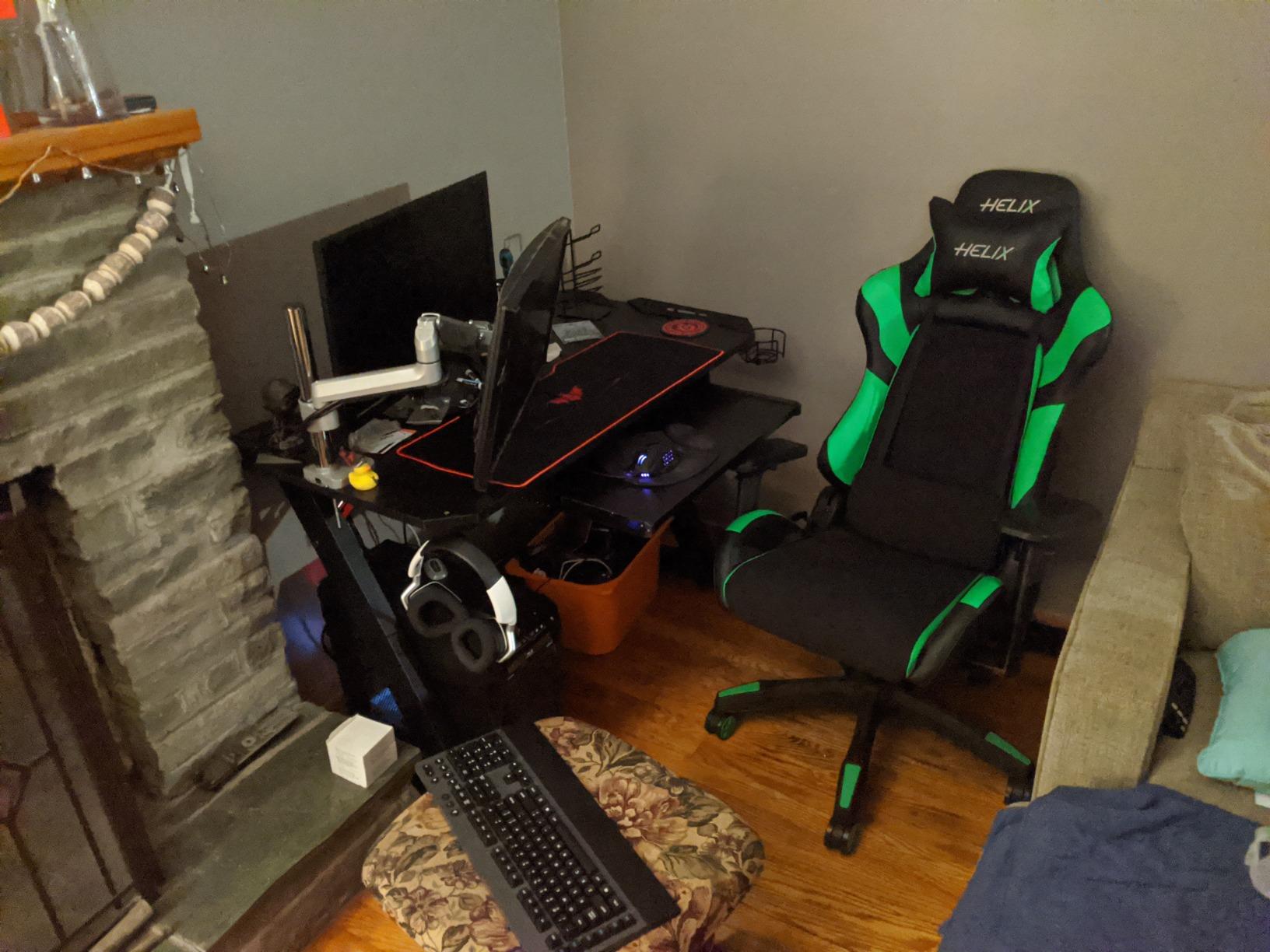
Stability Under a Loaded Two-Monitor Rig
The frame is rated to a 500 pound maximum load recommendation on an alloy steel and aluminum build, and the Z-type joint geometry resists the twisting that makes rectangular frames rack under one-sided loads. With two monitors and speakers on the far corners, that geometry is doing real work.
Owners also report easy assembly with extra fixings supplied in the box, and adjustable leveling feet that let you dial the desk flat before you mount anything.
Where It Falls Short
Cable management is basic. There is no under-desk basket or tray, only ties, so a two-monitor plus tower setup will need an added tray or a raceway mounted to the frame.
The RGB lighting is not customizable, the colors cycle on their own rather than locking to a hue you pick, and there is no drawer for controllers or small accessories. It carries a 1 year limited warranty, which is the shortest in this roundup.
3. Desktronic HomeOne 60x30 Standing Desk - Best Dual-Motor Electric Lift
Desktronic HomeOne Standing Desk 60x...
60 x 30 inch top
30 inch depth
28.9 to 48 inch height
264.6 lb lift capacity
Anti-collision sensor
What we like
- Dual synchronized motors stay smooth and quiet
- 264.6 lb capacity covers triple monitors
- Three one-tap memory presets
- Integrated USB-A and USB-C charging
- Anti-collision sensor auto-reverses
- Rounded corners with no sharp edges
What could be better
- Touch controls are easy to brush accidentally
- Heavy and time-consuming to assemble with two people
- Included screwdriver is poor quality
The Desktronic HomeOne is the only desk here with a true dual-motor lift and the capacity headroom to match, and that combination is why it takes the top spot among the electric frames. Two motors on a 30 inch deep top spread the load, so the desktop does not dip in the middle when you set two screens and a tower on it.
Reviewers describe the movement as smooth and quiet with no wobble at any height, and at 4.8 stars across 3,003 reviews with 87 percent at five stars, the feedback is unusually consistent for an electric desk. The split in sentiment is almost entirely about assembly, not performance.
For a two-monitor user, the practical wins are the 30 inch depth, which is the deepest in the roundup, and the 264.6 pound lift capacity, which leaves room for a triple-monitor setup with a docking station and a drawing tablet later.
Dual Motor Stability and Why It Matters With Two Screens
A single-motor frame concentrates the entire load in the middle of the desktop. Once you add two monitors near the outer edges plus a tower, that centre span sags and the whole surface starts to feel springy, which is exactly when a clamped monitor arm starts to lean.
This frame uses two synchronized motors and a reinforced steel frame rated to 264.6 pounds, and owners report full dual-monitor setups with no flex or drift. That headroom matters if you plan to upgrade from two screens to three.
Height Range, Presets and the Control Panel
The listed height range runs from 28.9 inches to 48 inches, and the manufacturer states that suits users from 5 foot 0 to 6 foot 8, which covers nearly every adult. The touchscreen controller offers three one-tap memory presets, so you set your sitting and standing heights once and stop thinking about it.
Integrated USB-A and USB-C charging ports sit in the console, which is a small convenience that matters more than it sounds when you are docking a laptop every morning. The anti-collision sensor auto-reverses on contact, a genuinely useful feature in a house with children or a pet under the desk.
Assembly Reality Check
At 80 pounds, this is the heaviest desk in the roundup, and two people are recommended. Owners fall into two camps, with many building it happily in under an hour using the follow-along video, and a smaller group reporting mismatched hardware, missing parts, or an included screwdriver that broke. Use a power drill rather than trusting the supplied tool.
Because the touch controls are sensitive, they are easy to brush accidentally with a forearm, which is a minor irritation but a real one when you are typing.
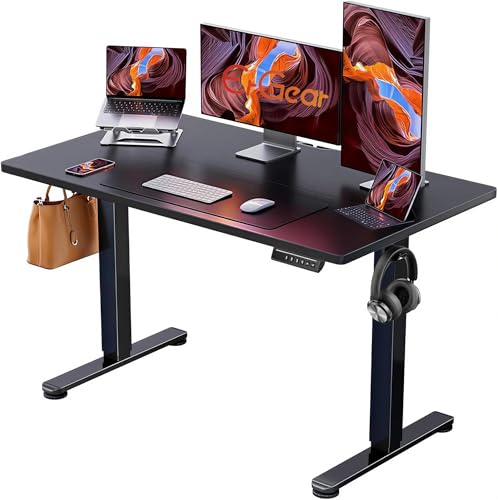
4. ErGear 48 x 24 Electric Standing Desk - Best for Small Spaces
ErGear 48 X 24 Inch Height Adjustable Electric...
48 x 24 inch top
24 inch depth
28.35 to 46.46 inch range
176 lb capacity
100000 tested lift cycles
What we like
- Most reviewed desk in this roundup
- Smooth electric adjustment with memory presets
- Quiet powerful lift motor
- Alloy steel frame tested for 100000 cycles
- Low-VOC materials and included tools
What could be better
- 48 x 24 inch surface is tight for two large monitors
- Only 24 inches deep which crowds a big screen at arm's length
- Highest one-star share of the electric desks
The ErGear is the compact pick for an apartment office where a 60 inch frame simply will not turn the corner. It is the most reviewed desk I looked at, with more than 12,000 ratings, and it ranks as the top seller in Home Office Desks, which tells you how many people have made the same small-space compromise.
I would pair it with two 24 inch monitors rather than two 27 inch panels. The 48 inch width fits a 24 inch screen on each side with a small gap, and the 24 inch depth keeps both screens close enough to read comfortably, but adding a third device or a wide keyboard tray is a squeeze.
The trade is real and worth stating plainly: you give up about 12 inches of width and 6 inches of depth compared with the electric picks above, and you get that space back in a room where it matters.
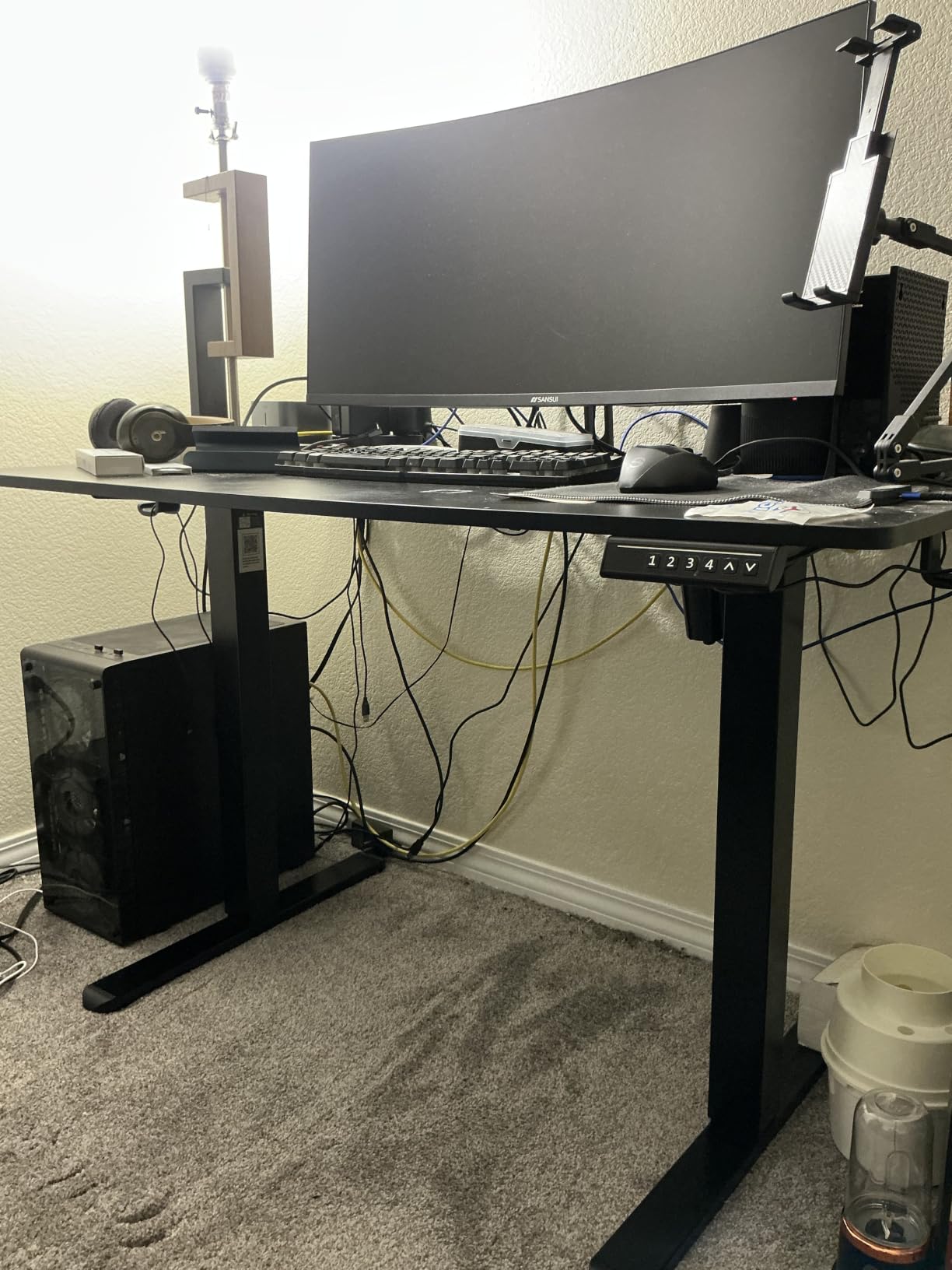
Height Range and Lift Quality
Adjustment runs from 28.35 inches to 46.46 inches on an electric motor, with memory presets for your saved positions. Owners describe the motor as quiet and powerful relative to the frame size, and the aerospace-grade lifting columns are tested for 100,000 lift cycles, which is a meaningful durability claim in this category.
The 176 pound capacity is comfortably above the weight of two 24 inch monitors, a keyboard, and a tower, so you are not near the limit on a realistic build.
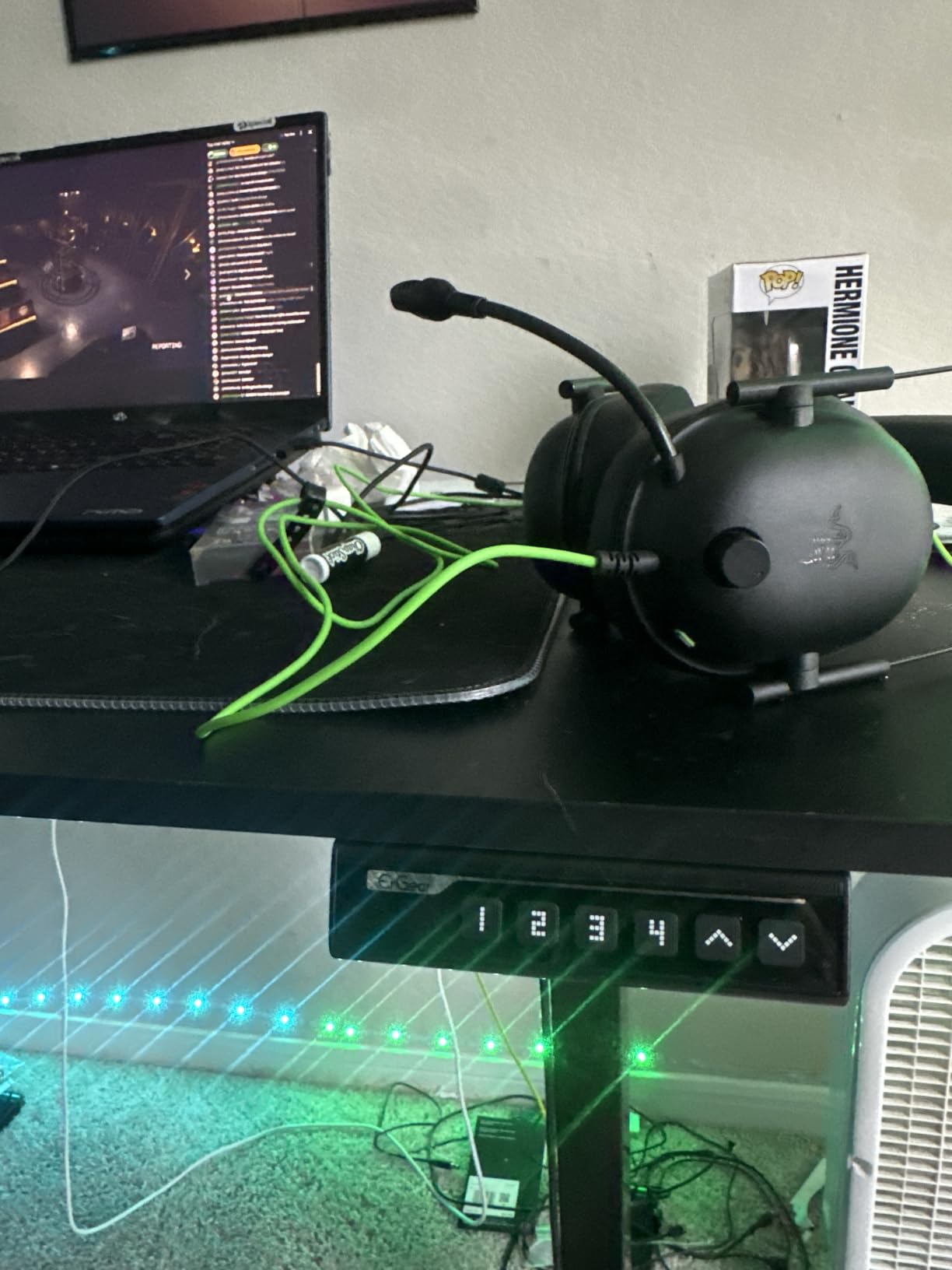
Where the 48 x 24 Footprint Bites
The most repeated limitation is the surface size itself. Owners note that 48 by 24 inches is compact and tight for a full dual-monitor plus accessories layout, and that the 24 inch depth can crowd a large monitor at arm's length.
If your monitors are on arms rather than stands, the reclaimed depth becomes working room at the front edge, which partly offsets the tight width. If they are on stands, budget a full 8 to 10 inches of lost depth behind each panel.
Durability Notes From the Review Data
At a 4.5 star average with 77 percent five-star reviews, the feedback is strong but not spotless, and this desk carries the highest share of one-star reviews among the electric models at roughly 6 percent, reflecting occasional durability and shipping issues rather than design flaws.
The low-VOC materials are a small but real benefit in an enclosed apartment office, where off-gassing from a new desk is most noticeable.
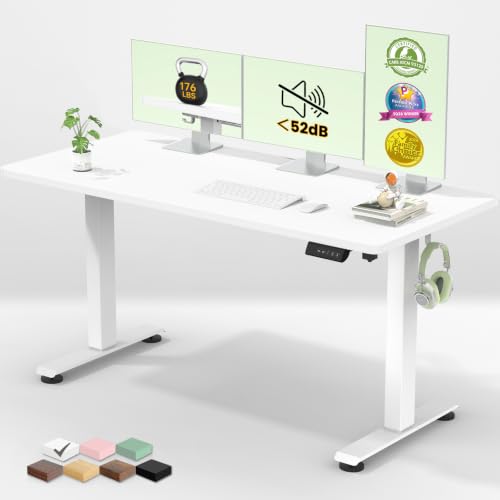
5. Veken 55 Inch Electric Standing Desk - Best Value Electric Frame
Veken 55 Inch Large Electric Standing Desk, Gaming...
55 inch wide top
23.64 inch depth
28.3 to 46.5 inch range
154 lb capacity
2 year warranty
What we like
- Roomy 55 inch surface for multiple monitors
- Motor runs under 52 dB with memory presets
- Steel frame holds steady when fully extended
- Built-in cable management and headphone hooks
- Assembles in 10 to 30 minutes
What could be better
- Desktop is two joined boards with a visible seam
- 23.64 inch depth is shallow for a large ultrawide
- 154 lb capacity is the lowest here
- Stability varies with floor type and load
The Veken is the middle path between a compact electric frame and a full 60 inch premium lift, and at 55 inches it lands close to the minimum width most buyers need for two 24 or 27 inch monitors. It also includes a 2 year warranty, which is longer than most of the electric desks in this roundup.
Owners highlight a quiet motor under 52 dB with memory presets, a steel frame that stays stable when fully extended, and built-in cable management that keeps cords off the floor. Two headphone hooks and a cable clip are included, which is a level of cable hardware you rarely see at this tier.
What you accept is a shallower top and a lower load rating than the electric desks above it. Neither is a problem for a typical two-monitor plus peripherals build.
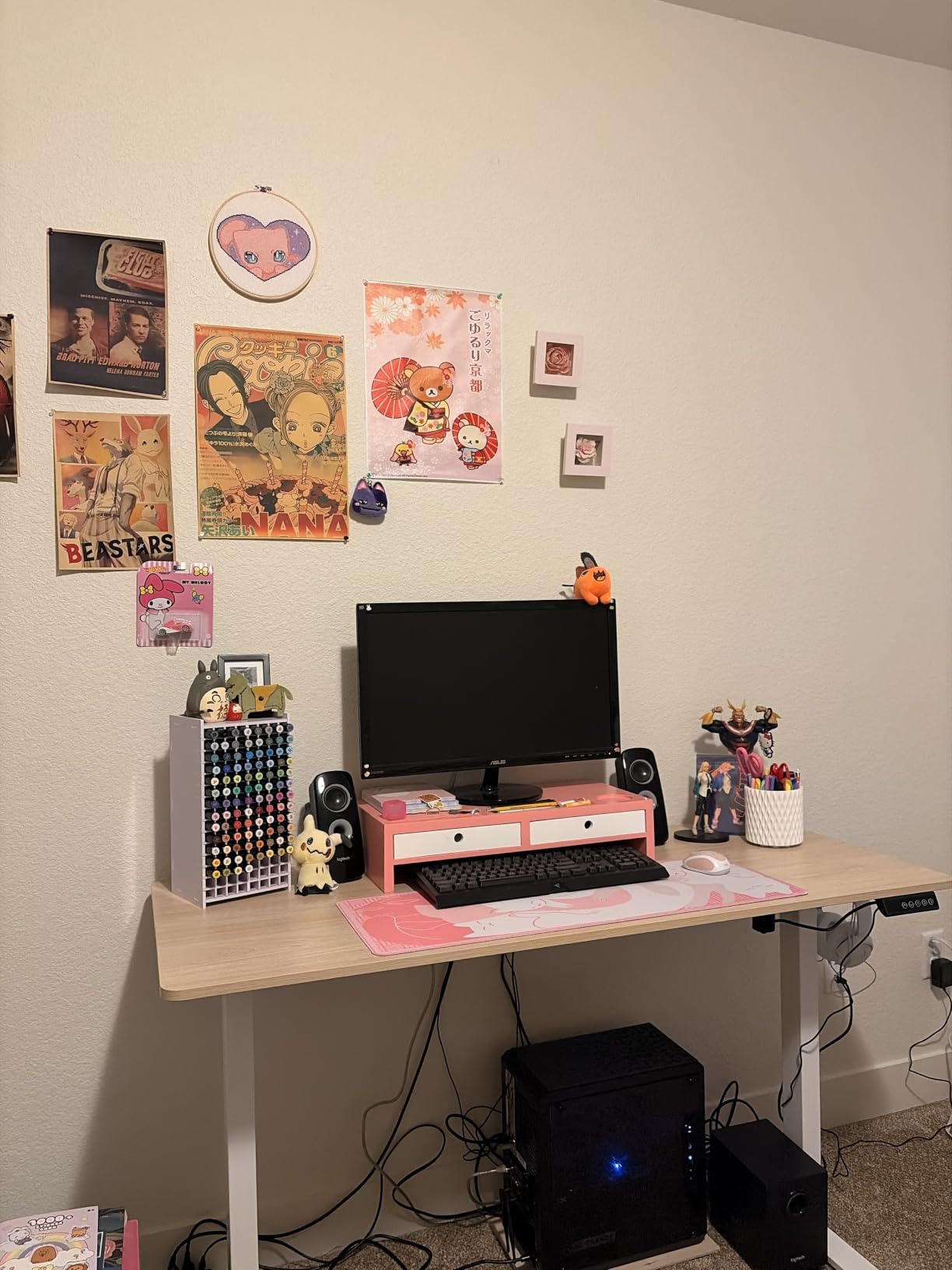
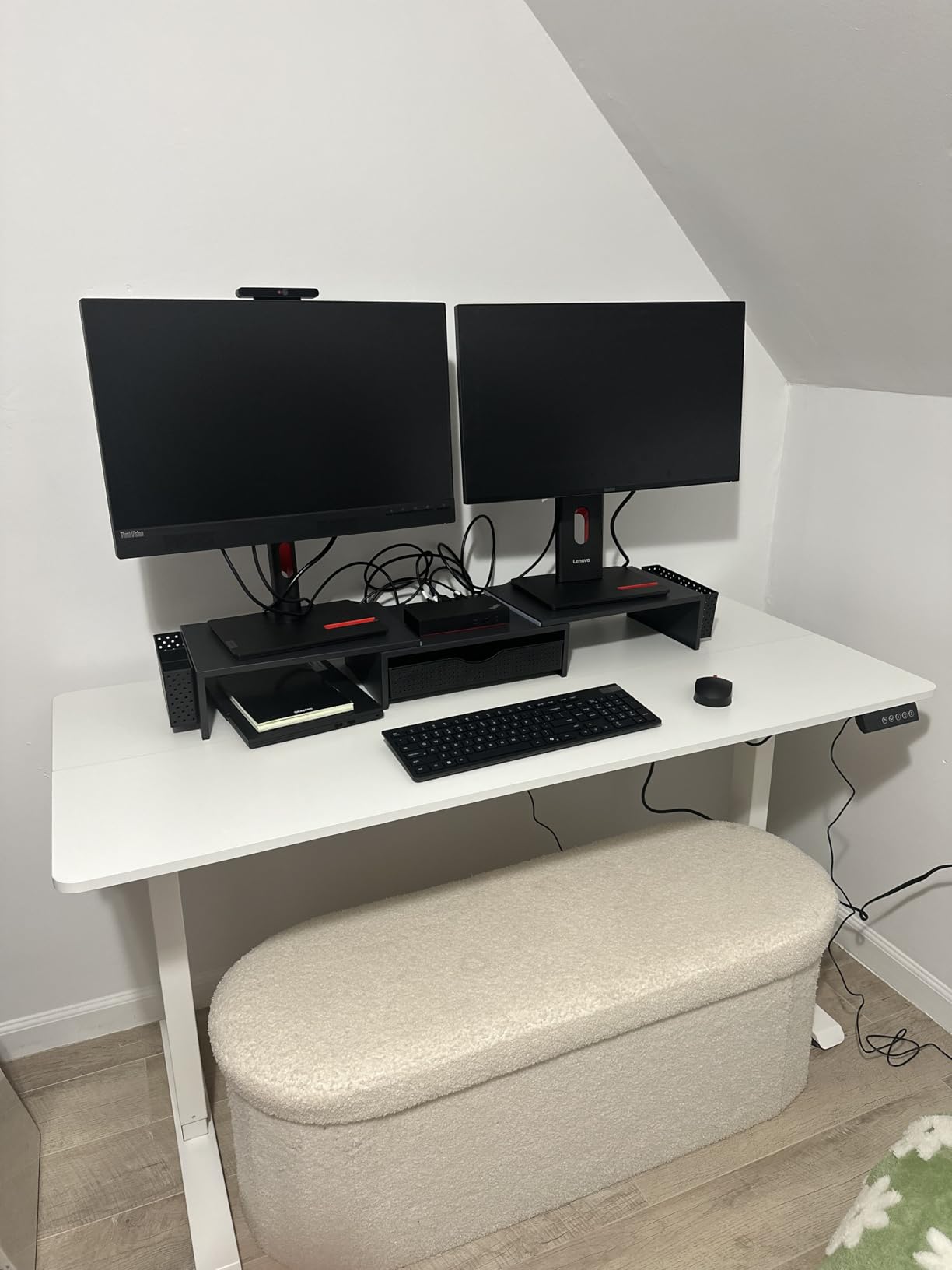
The Two-Board Top and Its Visible Seam
The desktop is made from two joined boards, and owners consistently note a faint seam across the surface. If you run a large desk mat, the seam is invisible. If you plan to mount a monitor arm through a grommet in the middle of the top, you need to know where that seam falls, because a bolt through a joint is weaker than a bolt through solid board.
Top thickness is 0.6 inches, which is the thinnest in the roundup, so a clamp mount needs care here more than anywhere else.
Depth for an Ultrawide Setup
At 23.64 inches, this top is one of the shallowest here, and owners specifically flag it as shallow for larger ultrawide monitors. If you are running a 34 inch ultrawide plus a secondary screen, this desk will push the ultrawide back past a comfortable focal distance unless you place it on an arm and move it forward.
For two 24 or 27 inch panels on stands, 23.64 inches is workable but tight, and it is the reason I place this desk below the 30 inch deep options in this list.
Capacity and Floor Dependence
The 154 pound weight capacity is the lowest of the electric frames here, and owners note that stability can vary slightly by floor type and total load. Two 27 inch monitors, a laptop, a keyboard, and a tower come in well under that figure, so the rating is a ceiling rather than a constraint for most setups.
Assembly is reported at 10 to 30 minutes, which makes this the quickest electric build in the roundup.
6. Huuger 54 Inch Home Office Desk - Best Budget Desk With a Monitor Arm Included
Huuger Computer Desk, 55 Inch Home Office Desk...
54 inch wide top
19.7 inch depth
Fixed 29.5 inch height
21 lb total weight
Steel tube frame
What we like
- Widest budget option at 54 inches
- Reinforced top with steel tube frame and struts
- Only 21 pounds so it moves easily
- Large legroom for long seated sessions
- Multiple sizes and colour options
What could be better
- 19.7 inch depth is cramped with two large monitors
- Fixed 29.5 inch height with no adjustment
- Particleboard top scratches and marks easily
The Huuger is the budget-friendly first desk most buyers land on, and at 54 inches it is only an inch short of the sizing rule, so two 24 inch monitors fit comfortably and two 27 inch panels fit with a narrow gap. The 19.7 inch depth is the limitation that decides this for me: it is among the shallowest tops in the roundup, and owners repeatedly note it can feel cramped with two large monitors.
What you get for that compromise is a reinforced particleboard top on a thick steel tube frame with support struts, at 21 pounds total. That weight is the quiet advantage here, because you can move it between rooms alone without a second person.
Mounting both screens on arms is the practical fix. Arms recover most of the depth that a 19.7 inch top otherwise wastes, so the working space in front of you roughly doubles once a clamp arm is installed.
Why Depth Matters More Than Width Here
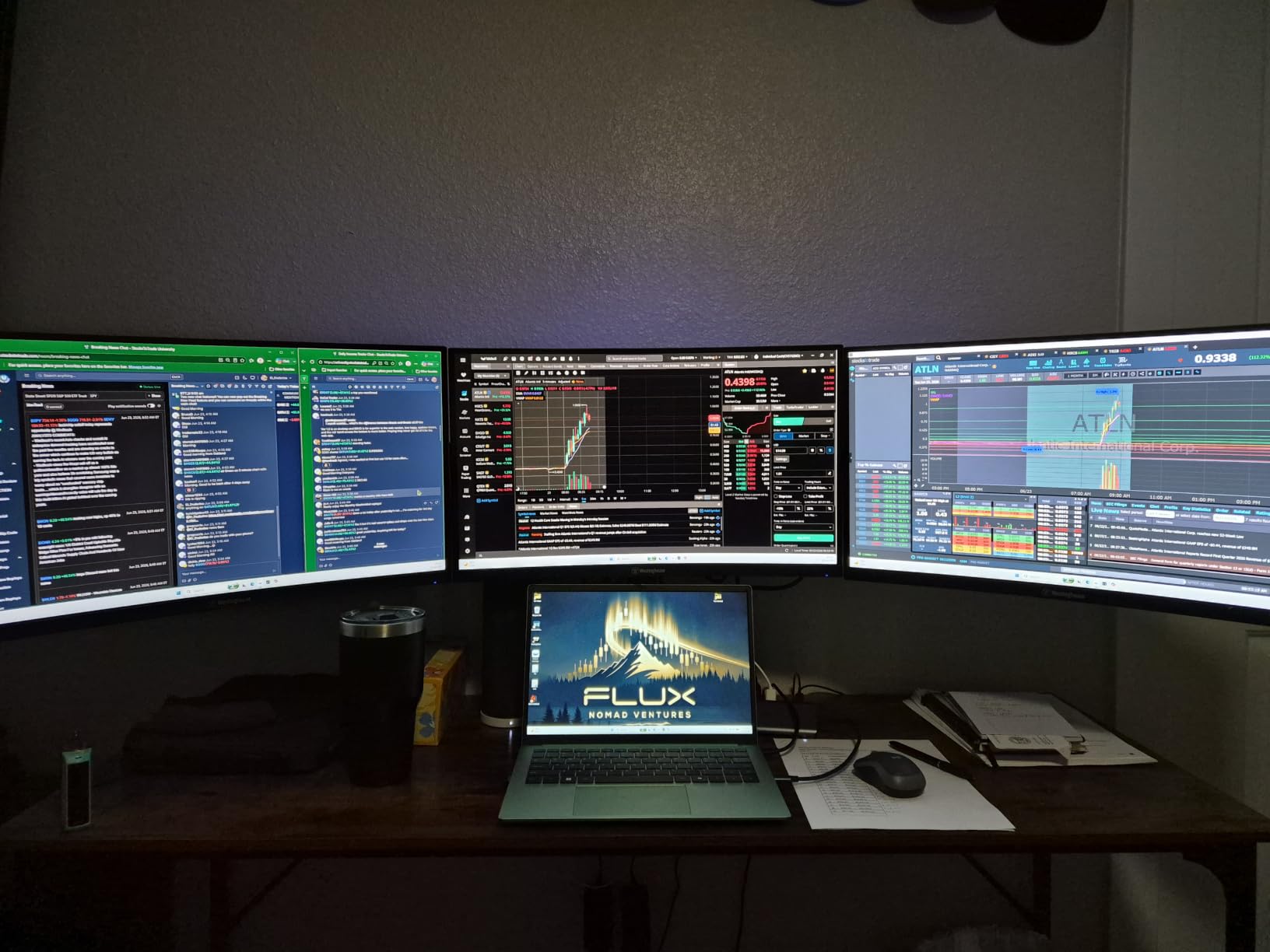
Arm mounting recovers depth that a 19.7 inch top otherwise wastes. Screens on arms need far less clearance behind them than panels on stands, so the working space in front of you roughly doubles once the arm is installed.
Because the top is particleboard at 0.75 inches, this is the one desk in the roundup where clamp force deserves extra care. Tighten the clamp gradually and check for deflection, or use the grommet mounting method if the arm supports it.
Fixed Height and Ergonomic Limits
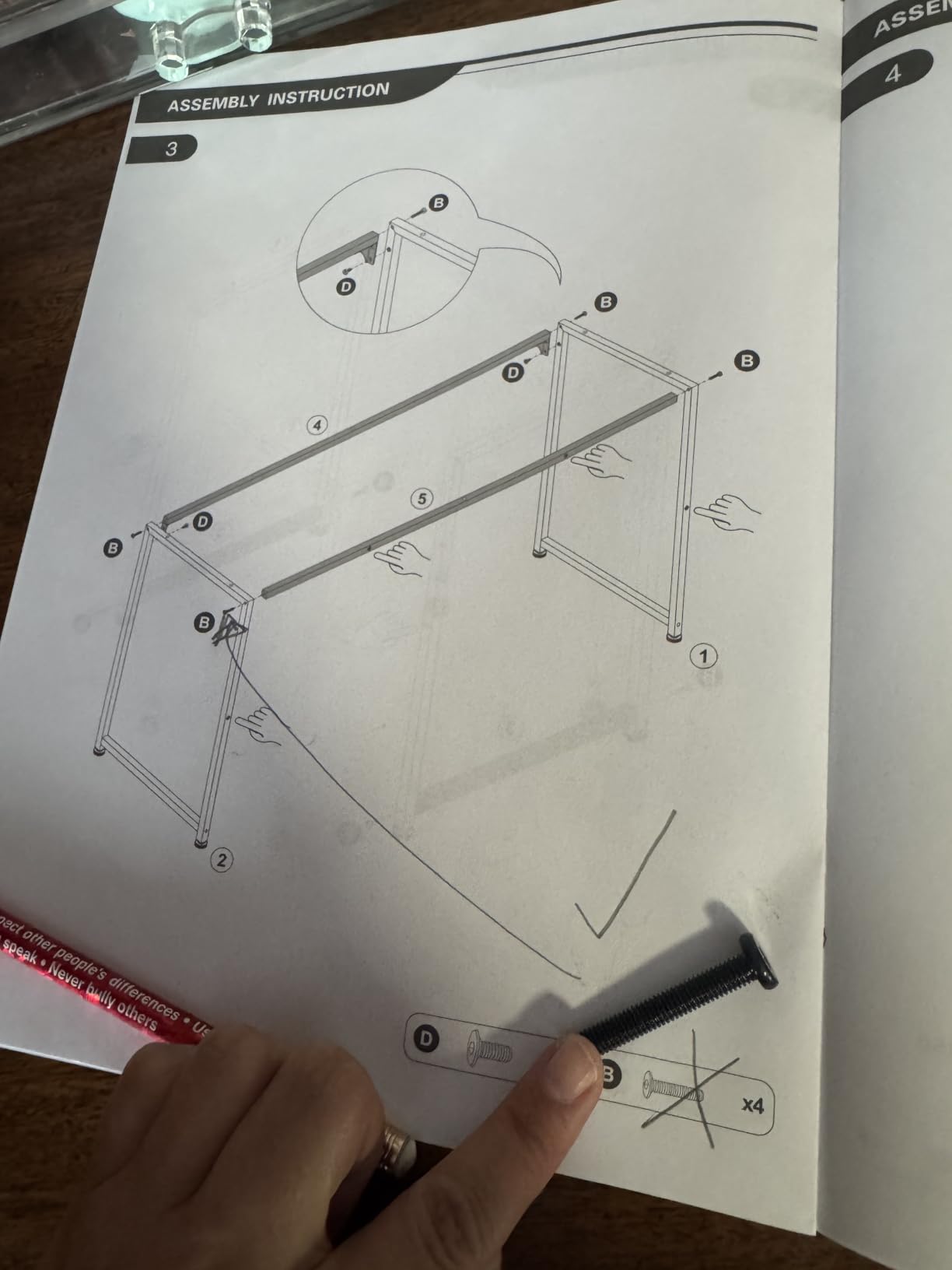
The 29.5 inch fixed height offers no ergonomic adjustment at all, so this desk suits users who already know their seated working height and have a chair set up for it. Anyone who wants to alternate between sitting and standing needs a riser on top, which further eats into the already shallow surface.
Owners also note that the particleboard top is more prone to scratching and water marks than solid wood, so a desk mat is close to mandatory here.
Assembly and Room Placement
Assembly is reported at under 40 minutes with visual instructions and included tools, and a single person is recommended for assembly. It ships in five colour options and multiple sizes, which is unusually broad for this category.
The large legroom is a genuine comfort benefit for long seated sessions, and the frame's support struts are what keep the top from bowing under a two-monitor load.
7. EUREKA ERGONOMIC 60 Inch Full Pad Desk - Best for Sim Racing and Deep Desktops
EUREKA ERGONOMIC Gaming Desk, 60 Inch Computer...
60 inch top
27.56 inch depth
Fixed 30.12 inch height
500 lb steel frame
Full-surface mouse pad
What we like
- Deepest large top in the roundup at 27.56 inches
- Curved front edge keeps controls within reach
- Steel frame rated to 500 pounds
- Full-surface fitted pad with rubber base
- Built-in cable tray and controller rack
What could be better
- Fixed height with no sit-stand adjustment
- Heavy at over 55 pounds to reposition
- Fitted pad limits add-on placement
- Curved edge reduces flat usable area
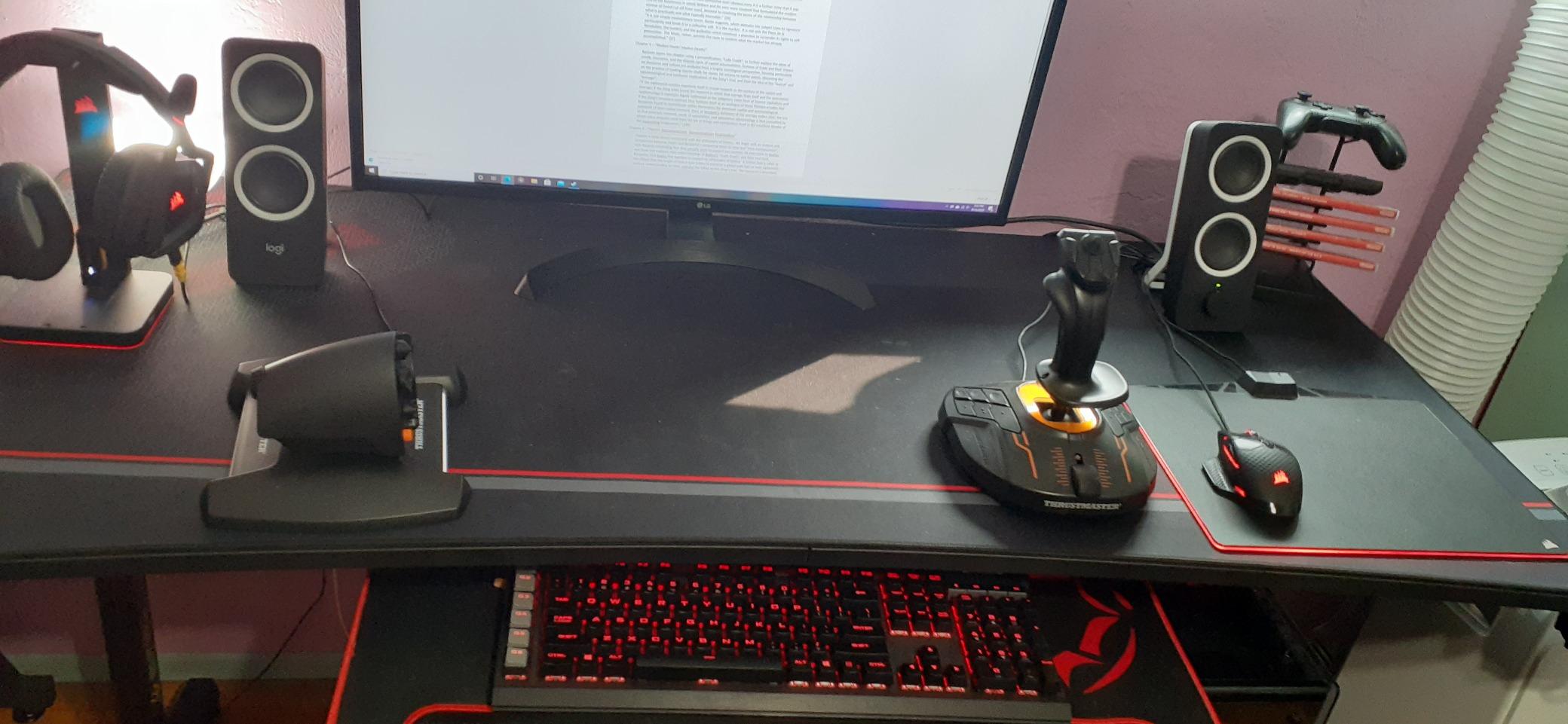
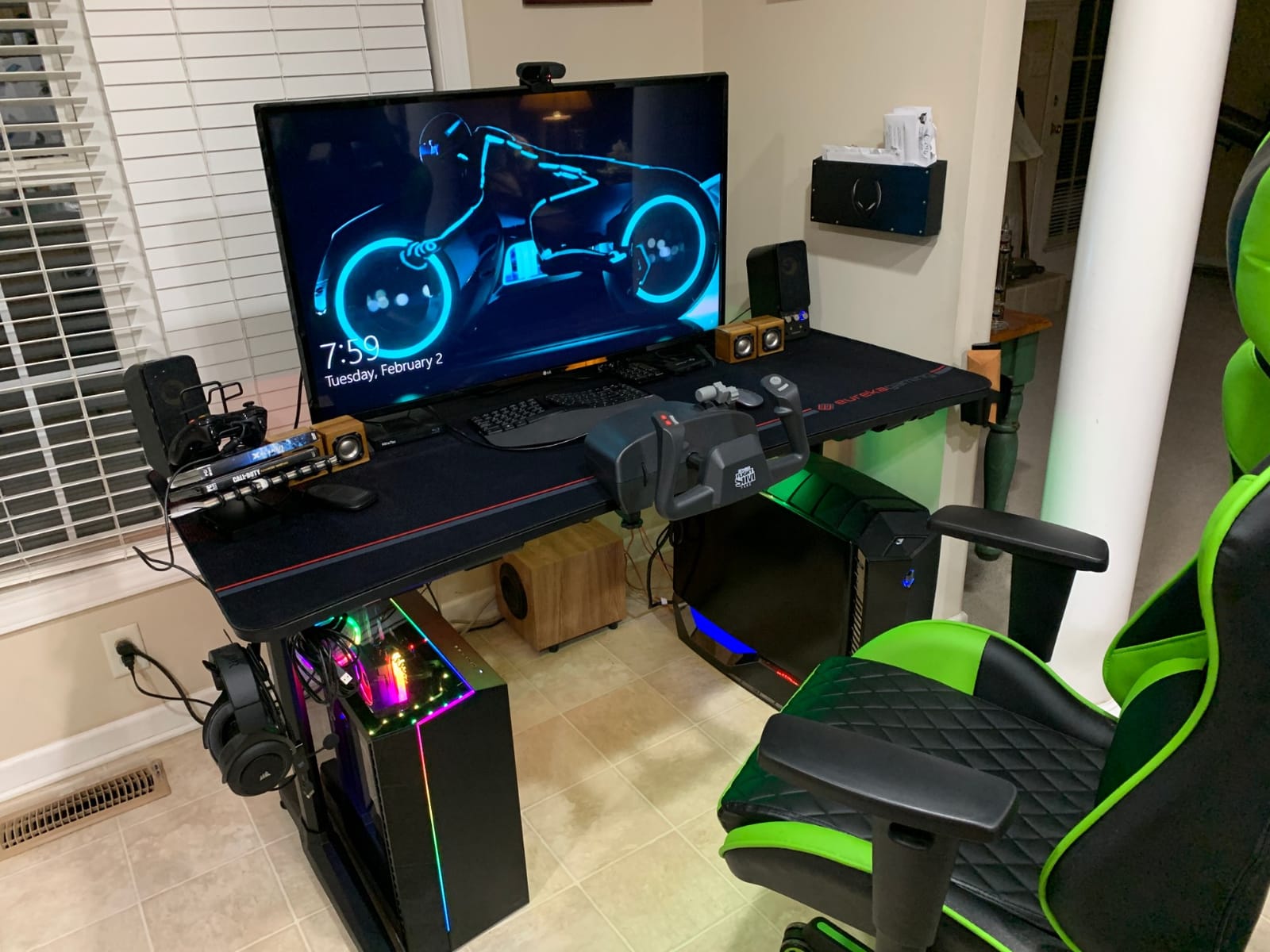
This is the deepest 60 inch desktop in the roundup at 27.56 inches, and depth is the spec that most improves a dual-monitor setup. Extra depth means each screen sits further back at a comfortable focal distance while leaving a full keyboard tray's worth of working room in front.
It pairs that depth with a full-surface fitted mouse pad, which owners credit for comfortable long sessions, and a built-in cable management tray that keeps cords and a power strip below the desk. The controller rack, cup holder and dual headset hook keep accessories off the surface, which matters when the surface is already crowded with two monitors.
At 4.7 stars across 2,468 reviews, it sits just behind the two 4.8 desks on satisfaction and ahead of everything else on depth.
Depth, Curved Edge and Focal Distance
A 27.56 inch depth lets you set two 27 inch monitors roughly 26 to 28 inches from your eyes, which is the range most ergonomic guidance treats as the sweet spot. That is the single biggest reason I would pick this desk over a shallower 60 inch alternative for long workdays.
The curved front edge keeps controls within easy reach during a session, though it also reduces the flat usable area at the front corners, so plan your keyboard and mat placement around it.
Frame Strength and the 500 Pound Rating
The reinforced steel frame is rated to support up to 500 pounds, which is the joint highest in the roundup alongside the RGB model. With two monitors mounted near the outer edges and a rig underneath, that margin is what keeps the top flat.
Adjustable feet level the desk on uneven floors, which matters for a sim racing setup where a rocking base changes wheel and pedal feel.
Where It Falls Short
The height is fixed at 30.12 inches, with no sit-stand adjustment, so this desk suits users who already have a good chair setup. It is also heavy at more than 55 pounds, which makes repositioning a two-person job.
The full-surface fitted pad limits where a keyboard tray or other add-ons can sit, and the 1 year warranty is the shortest in the group. If you need cable management with room to grow, this desk's tray is the most capable of the ten.
8. ODK 58 Inch L Shaped Gaming Desk - Best Built-In Power and Lighting
ODK 58 Inch L Shaped Gaming Desk with LED Lights...
58 inch L-shaped layout
19.7 inch main depth
Fixed 30 inch height
3 outlets and 2 USB ports
LED strip with memory
What we like
- L-shaped layout separates screens from side workspace
- Three AC outlets and two USB ports built in
- LED strip with 10 static colours and memory
- Under-desk shelves and side bag clear the surface
- Raised monitor shelf adds eye-level height
What could be better
- Carbon-textured particleboard scratches and rings
- Support bar can block an oversized keyboard
- Fixed 30 inch height with no adjustment
- Short side bins underuse shelf depth
The ODK 58 inch L-shaped desk is the pick if power management is your pain point, because the built-in charging station puts three AC outlets and two USB charging ports directly in the desktop. For a two-monitor setup with a tower, a monitor hub, and a laptop dock, that removes the need for a power strip across the floor.
Reviewers highlight how the raised monitor stand puts screens at eye level and frees desktop space, and how the under-desk bookshelves, storage shelves and hanging side bag keep the PC tower and gear off the surface. On a desk this shallow, that vertical storage is what makes the layout workable.
At 4.6 stars from 2,205 reviews with 81 percent five-star ratings, the feedback is solid, and the recurring advice from owners is practical: use a large desk mat and watch the mid-span support bar.
Power, Charging and LED Customisation
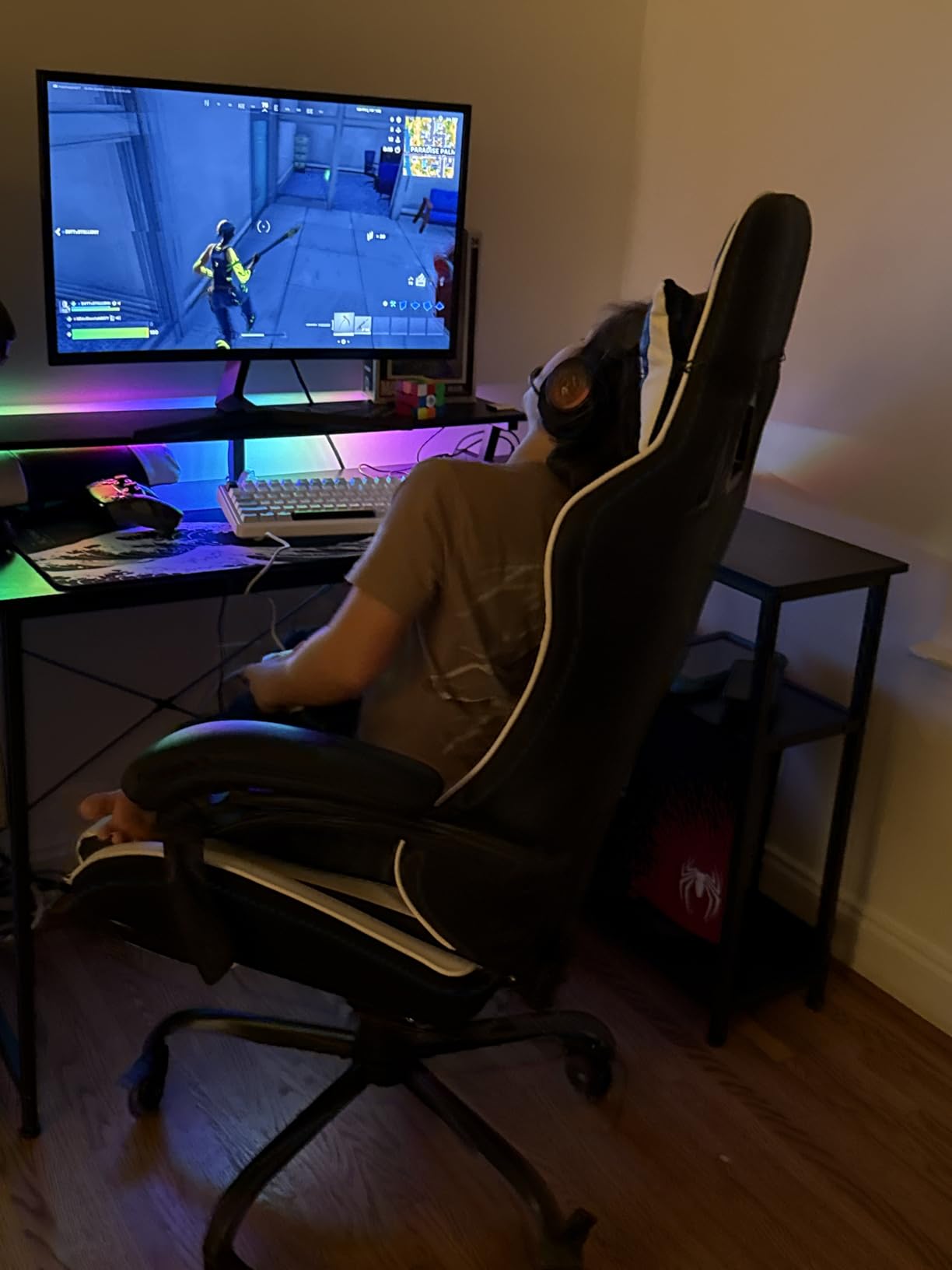
The integrated charging station is the differentiator here. Three outlets plus two USB ports is more than any other desk in this roundup offers, and it is the reason this desk ranks above deeper alternatives for a permanent two-screen workstation.
The LED strip gives you 10 static colours, 6 brightness grades and 10 dynamic modes with a memory function, so the lighting stays where you set it rather than cycling through the whole range on a timer.
The Depth Trade and the Support Bar
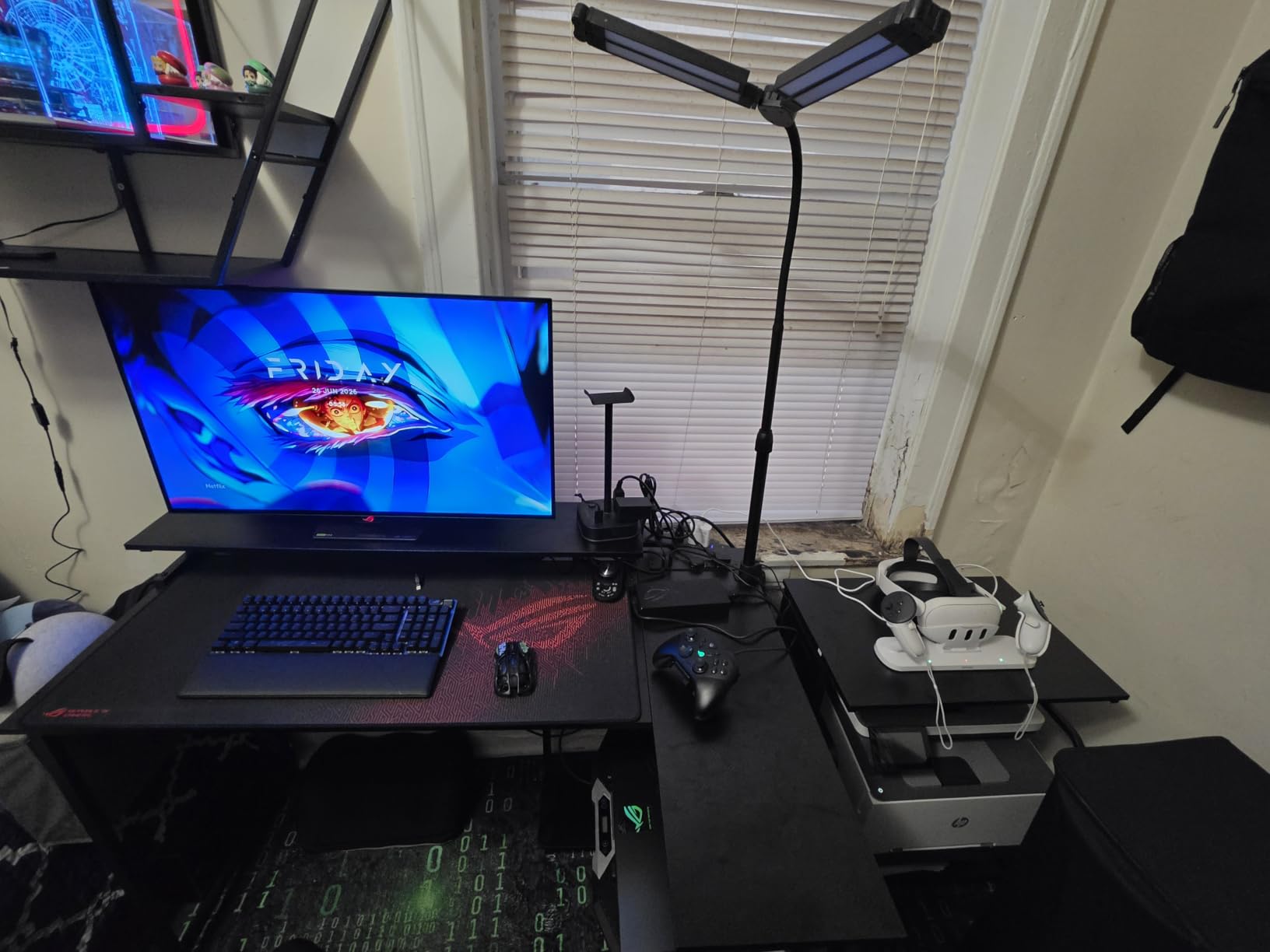
The main desk measures 58 inches by 19.7 inches by 30 inches and holds up to three monitors and a laptop, but 19.7 inches is the second shallowest top here. The L return adds usable surface, though it adds it beside you rather than behind the screens, so it does not improve focal distance.
Owners specifically warn that the central support bar can block a large keyboard from tucking under the monitor shelf, and that the short side storage bins only use part of the shelf depth.
Surface Care and Assembly Time
The carbon fiber-textured surface is particleboard and shows scratches and water rings easily, so a mat is the practical accessory to buy with it. The metal frame and MDF board with adjustable non-slip foot pads keep it stable at the corners.
Assembly is reported at 45 to 90 minutes with clearly labeled parts, and the layout is reversible so the return can suit either corner.
9. Furologee 66 Inch L Shaped Desk - Best for Storage-Heavy Setups
Furologee 66'' L Shaped Desk with Power Outlet and...
66 inch L-shaped return
18.11 inch depth
Fixed 30 inch height
180 lb capacity
2 movable monitor stands
What we like
- Extra-long 66 inch L-shaped work area
- Two movable monitor stands raise screens to eye level
- Charging station with 3 outlets and 2 USB ports
- Fabric file drawer plus file cabinet for real files
- Two adjustable shelves that lift for a tower
What could be better
- Only 18.11 inches deep which is shallowest here
- 0.6 inch particleboard top scratches easily
- Fabric drawers are lighter duty
- 54.3 pounds makes solo repositioning hard
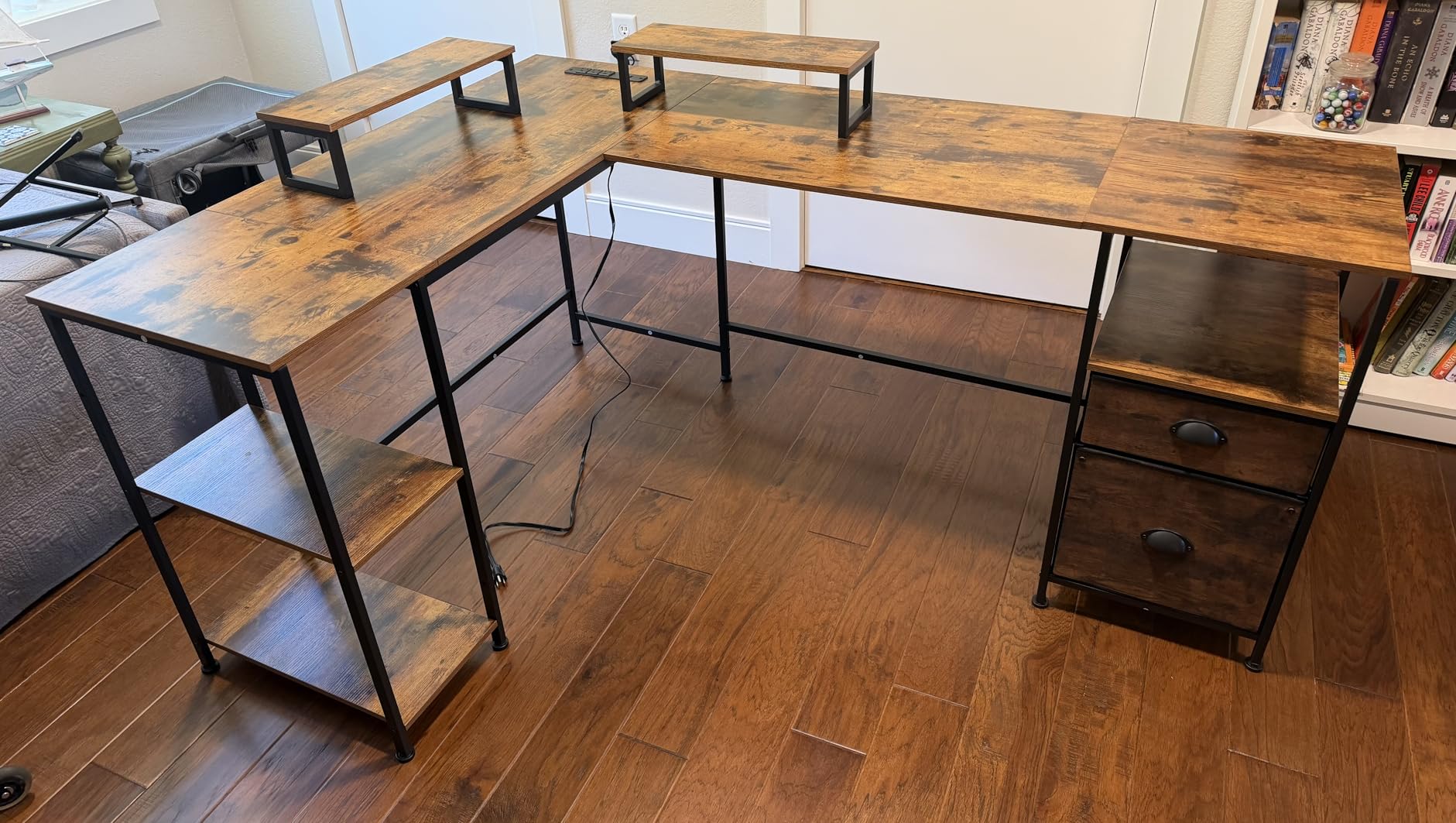
The Furologee wins on sheer surface length. At 66 inches across the L, it gives you the largest continuous work area in this roundup, and the two movable monitor stands can be positioned anywhere along the top rather than fixed at one point.
Where it really separates itself is storage. The upgraded non-woven fabric file drawer plus a file cabinet hold letter, A4 and legal files and resist dust, and two adjustable shelves can be raised to fit a computer tower, which is the piece most desks send to the floor.
I am recommending it with a caveat. This is the lowest-rated desk in the roundup at 4.4 stars from 2,113 reviews, with the highest share of one-star ratings at roughly 7 percent, so treat the feedback as honest rather than glowing.
Two Movable Monitor Stands as a Stand-In for Arms
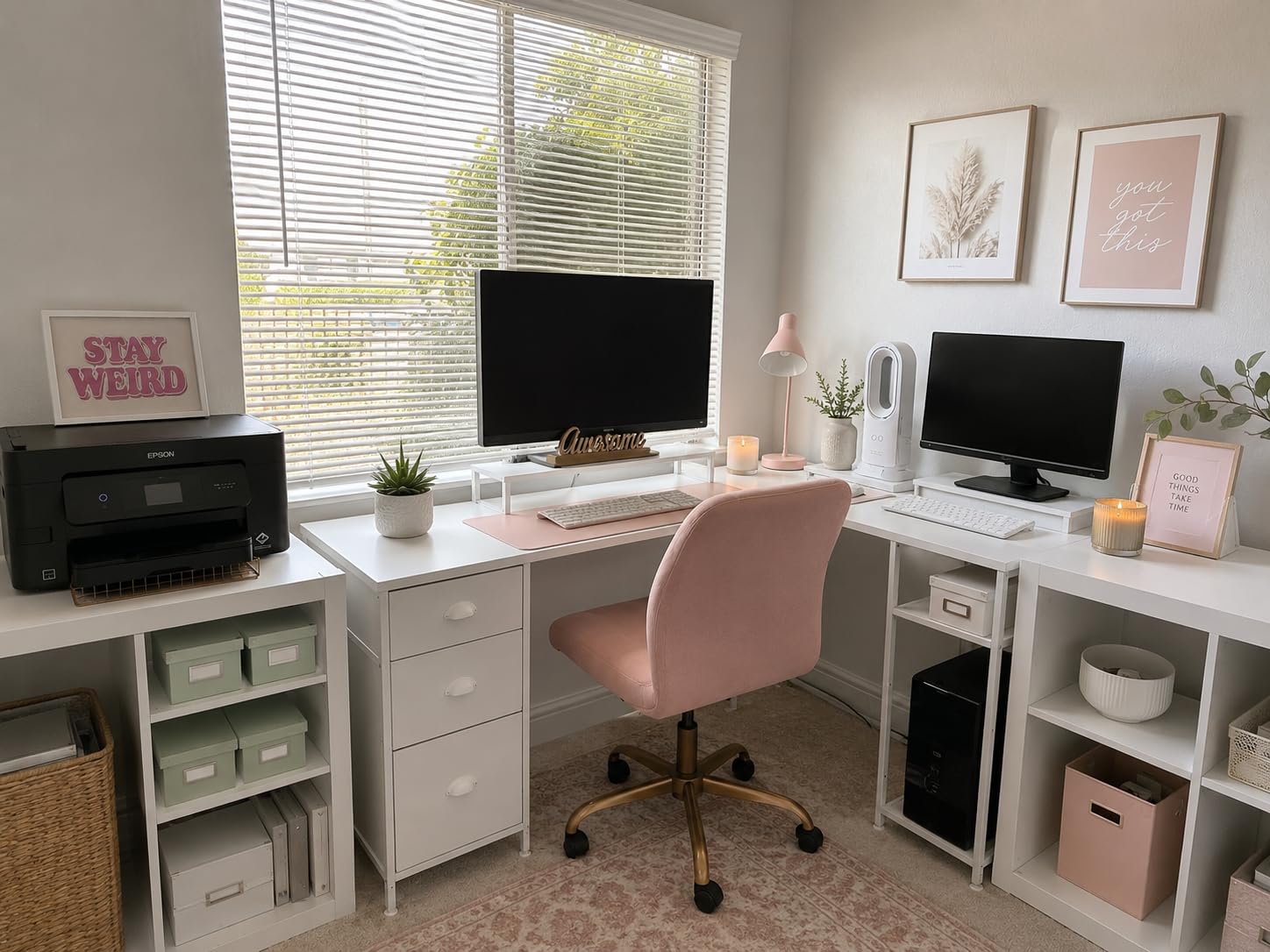
The included monitor stands raise your screens to eye level and can be moved along the surface, which gives you placement flexibility without buying arms. That matters on an 18.11 inch deep top, where a stand consumes depth that an arm would recover.
Because they are stands rather than arms, the monitors still sit close to the rear edge, and the shallow depth means you are working at the front edge of the surface more than you would like.
Storage That Replaces a Filing Cabinet
The charging station provides three power outlets and two USB charging ports, and the storage system is genuinely the most complete here: a file drawer, a file cabinet, and two adjustable shelves. For someone who has paper files at a home office, that removes a piece of furniture.
The load capacity is 180 pounds on a particleboard and metal frame with adjustable feet, which comfortably covers two monitors and a tower, though the top is only 0.6 inches thick.
What to Watch Before Buying
At 18.11 inches deep, this is the shallowest top in the roundup, and owners are clear that it is shallow for two large monitors. If your monitors are 27 inch or larger, expect to angle them inward and lose the side-by-side sightline that makes a dual setup work.
The fabric drawers are lighter duty than wood or metal drawer boxes, and at 54.3 pounds the desk is difficult to reposition alone. The layout is reversible, so the drawer side mounts on either the left or the right, but the desk is fixed in height at up to 30 inches.
10. ODK 55 Inch LED Gaming Desk - Best With a Raised Monitor Shelf
ODK 55 Inch Gaming Desk with LED Lights & Storage...
55 inch wide top
19.6 inch depth
Fixed 34 inch height
Raised monitor shelf
Power outlets and USB
What we like
- Raised monitor shelf gives eye-level screens and frees surface
- 55 inch top fits dual monitors and a full keyboard
- LED with 10 static colours and memory
- Reversible shelves plus a dedicated CPU stand
- Power outlets
- USB port and headphone hook built in
What could be better
- 19.6 inch depth is tight for two large monitors
- Fixed height with no sit-stand adjustment
- Some reports of finish wear on arrival
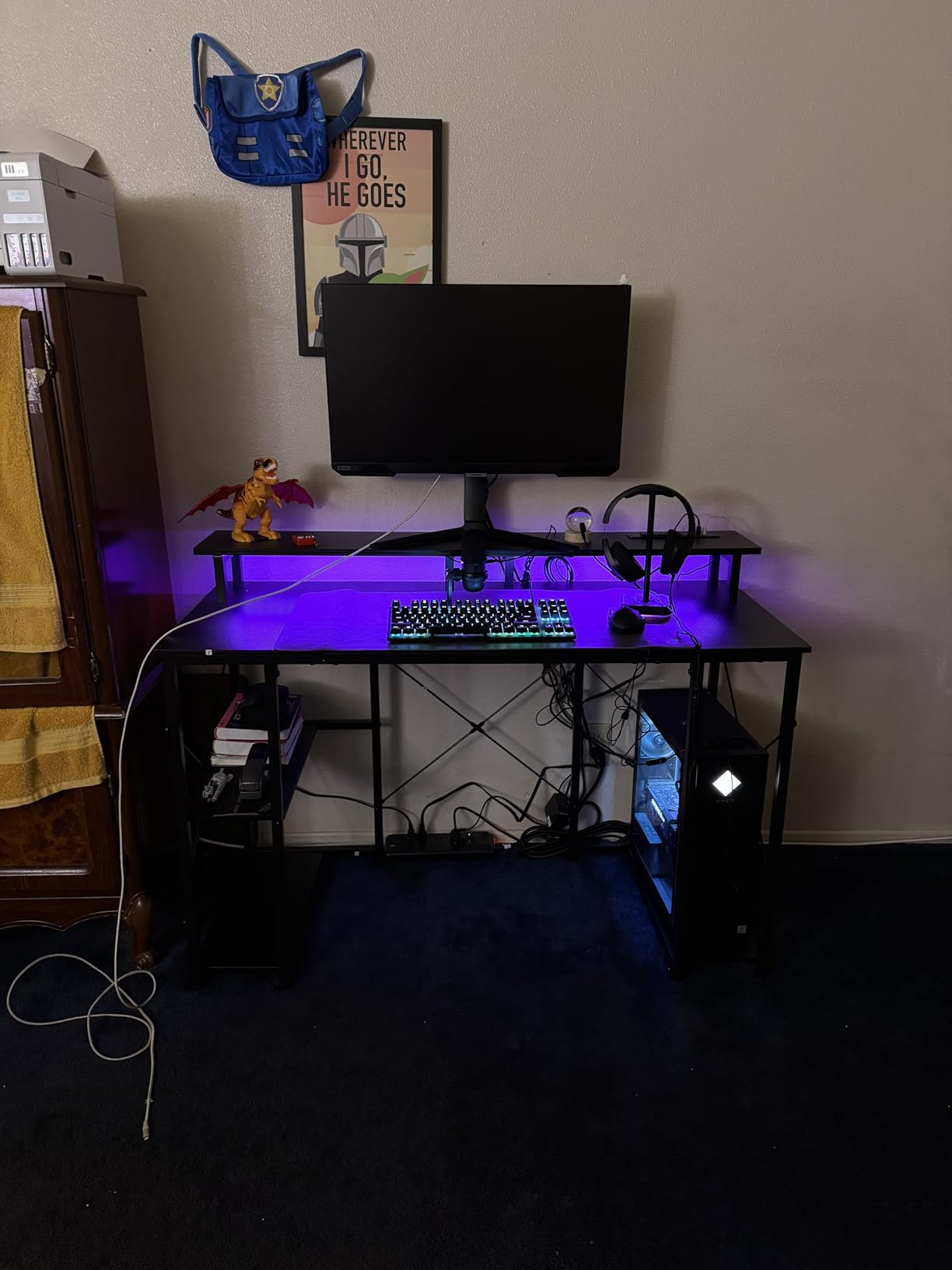
The defining feature of the ODK 55 inch desk is its raised monitor shelf, and for a two-monitor setup it does something the flat desks cannot: it lifts both screens to eye level while giving you back the surface underneath them as working area.
Owners highlight the raised stand as promoting a comfortable viewing angle and a cleaner desktop, and the reversible storage shelves plus a dedicated CPU stand keep the tower and gear organized rather than scattered on the surface. With a 19.6 inch depth, every square inch of reclaimed shelf space counts.
At 4.6 stars across 1,718 reviews with only a 4 percent one-star share, this is the most consistently positive desk in the roundup by proportion of top ratings.
How the Raised Shelf Reclaims Depth
On a 19.6 inch top, monitors on standard stands typically consume 8 to 10 inches of depth behind the keyboard. A raised shelf moves that footprint upward and back, so the usable working surface in front of you grows even though the table itself did not change.
The trade is that the screens sit further from your eyes than they would on a desk arm, and the shelf height of 34 inches is fixed, which suits average to taller users and works less well for shorter sitters.
Lighting, Ports and Storage
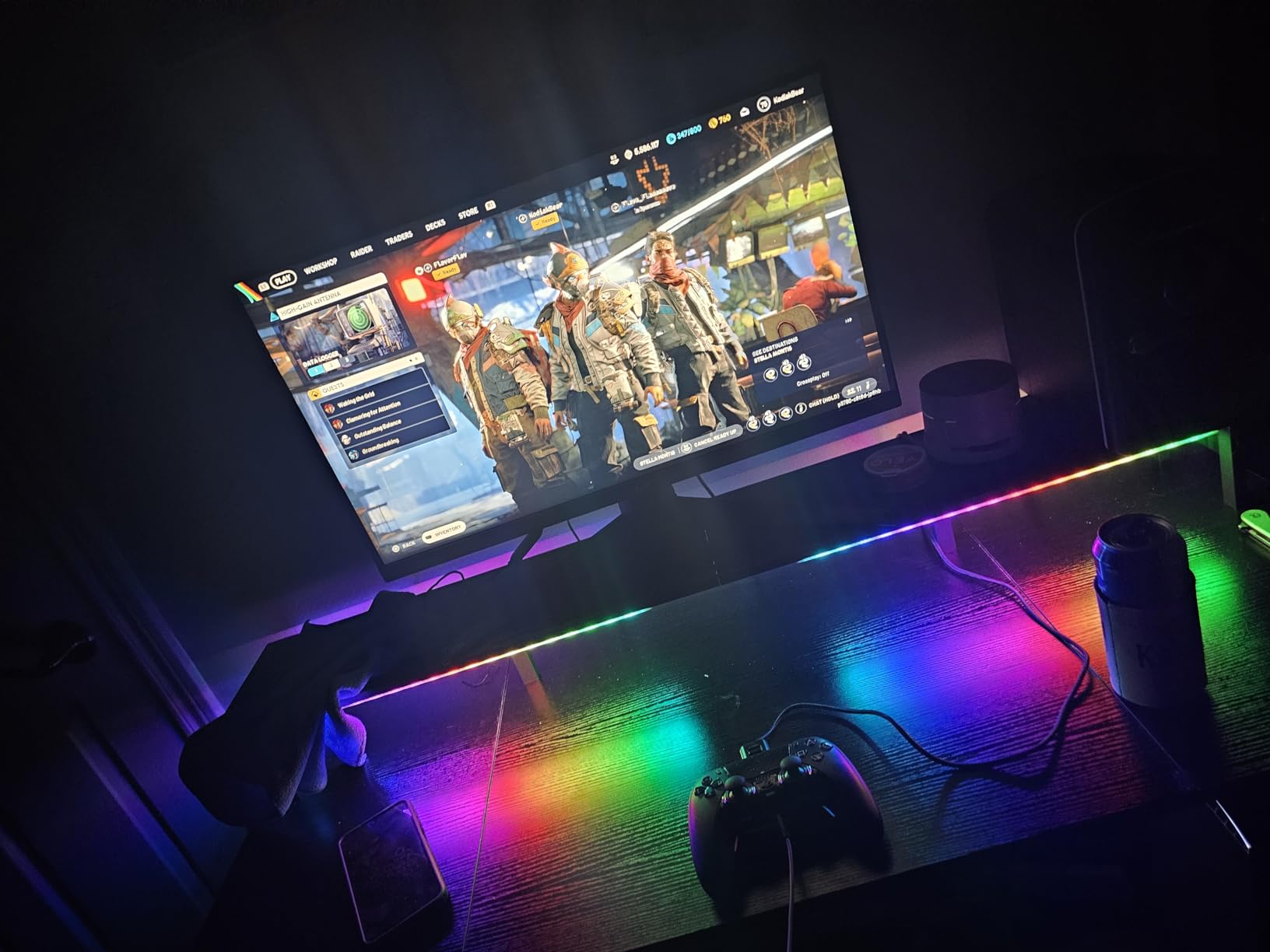
The LED system offers 10 static colours, 8 brightness levels and 10 dynamic modes with a memory function, so the lighting holds a setting instead of cycling. Built-in power outlets, a USB port and a headphone hook cover the wiring needs of a two-monitor rig without a separate strip.
Storage is genuinely useful at this width, with reversible shelves and a dedicated CPU stand that keeps a tower upright and off the floor space beside your legs.
Frame and Assembly
The reinforced steel frame with an X-shaped crossbar is what keeps a 55 inch top from racking under two monitors, and the thick engineered wood top is 1 inch, which is the second-thickest in this group after the SHW Mission.
Assembly takes about 30 minutes with clearly labeled parts and all hardware included. Owners do report occasional finish or surface wear on arrival, so inspect the top before you clamp anything to it.
How to Choose a Desk for Two Monitors
Most returns in this category happen for the same reason: the buyer measured the room, not the monitors. Everything below is the decision sequence I use, in the order that avoids expensive mistakes.
How Wide Should a Desk Be for Two Monitors?
Add the width of both panels, then add clearance. Two 24 inch monitors are roughly 48 inches of screen width and need about 55 to 60 inches of desk width to leave usable space at the edges. Two 27 inch monitors push that to a 60 inch desk, and anything larger or ultrawide means going wider still.
Here is the width math in a form you can apply to your own setup. The rule of thumb is panel width plus 4 to 12 inches of clearance, depending on whether you angle the outer screens inward.
- Two 24 inch monitors: about 48 inches of screens, so a 55 inch top minimum, 60 inch preferred.
- Two 27 inch monitors: about 54 inches of screens, so a 60 inch top minimum, 63 inch or wider for a claw grip or large peripherals.
- One 24 inch plus one 27 inch: about 51 inches of screens, so a 55 inch top works if you accept a slight inward angle on the larger panel.
- 34 inch ultrawide plus a 24 inch: about 58 inches of screens, so a 60 inch top is the floor and 66 inches is better.
- 49 inch ultrawide plus a vertical panel: about 58 inches of screens plus a stacking zone, so plan for 66 inches or a corner L-shape.
Anything under 50 inches is where the problems start. The screens either overlap, get angled inward until your neck compensates all day, or sit in front of your keyboard.
How Deep Should a Desk Be for Two Monitors?
Aim for 28 to 30 inches of depth. That figure comes straight from the practical viewing distance guidance: an arm's length from your eyes to the centre of a screen is roughly 24 to 30 inches, and a top shallower than that pushes your monitors back past the comfortable range once stands and monitor thickness are accounted for.
Of the ten desks in this roundup, only three tops reach 28 inches or more. The rest cluster between 18 and 26 inches, which is workable if you mount your screens on arms, because arms recover 6 to 8 inches of depth that stands waste.
If you are buying a shallow desk deliberately, buy it with the intention of using monitor arms. That is the single adjustment that makes an 18 or 20 inch top survivable for two screens.
Weight Capacity and Why Split Tops Sag
Count everything that will ever sit on or under the desk. Two 27 inch monitors with arms run roughly 30 to 40 pounds combined, a mid-tower is 25 to 35 pounds, and add a keyboard, docks, and a laptop. A realistic loaded total is often 80 to 100 pounds, so a 110 pound rated top is closer to the line than most buyers assume.
Split particleboard tops are the specific failure point. When a top is made from two boards butted together, the joint is the weakest point in the span, and a clamp mount or a heavy monitor load applied near the centre pushes that joint down over time.
The fix is straightforward: prefer a one-piece top, a top at least 0.98 inches thick, or mount your arm through a grommet with a bolt into a frame member rather than clamping the joint.
Dual Motors and Stability at Standing Height
If you go electric and you plan to stand, dual motors are not an upgrade, they are a requirement. A single-motor frame concentrates the load in the middle of the top, which is exactly where a dual-monitor arm clamps, and the combination of a sagging centre and a heavy clamp is what produces the forward-leaning arm that shows up in community threads.
Among the electric desks here, the Desktronic HomeOne uses two synchronized motors and rates 264.6 pounds, the ErGear and Veken are single-motor frames rated at 176 and 154 pounds, and only the HomeOne has a listed height range that comfortably covers users from 5 foot 0 to 6 foot 8.
Check the top and bottom of the range, not just that it moves. A desk that stops at 44 inches will not work for a 6 foot 2 user, and a desk whose minimum height is 34 inches will not work for a 5 foot 1 user sitting down.
Sit-Stand vs Fixed vs Converter vs L-Shape
Match the form factor to the room and the person, not to the feature list. A fixed desk is the simplest and most rigid option, and every fixed-height desk in this roundup has a steel frame that will not wobble, at the cost of any ergonomic variation across the day.
A full electric sit-stand desk is the right call for anyone who splits their day between sitting and standing. A common guidance is roughly one hour standing per one to two hours sitting, which is a pattern most people can sustain and most fixed desks cannot support.
A desk converter or riser is the cheapest path to sit-stand, and it works because it sits on an existing desk, but it needs a deep enough host top to hold two monitors plus the riser itself.
An L-shaped corner desk is the best answer for a two-monitor layout in a corner, because it separates the monitor station from the secondary workspace, and it is the form factor the top-ranked community thread about dual monitor mounts is effectively asking for.
Monitor Arms, Clamps and Desk Sag
This is the question the top-ranking community thread asks, and it deserves a straight answer: yes, you can clamp a dual monitor arm to a desk, but the desk has to be able to take the force. A heavy arm on a thin or particleboard top will bend the surface over time, and the arms will tilt forward as the top deforms.
Three ways to handle it, in order of preference. First, mount through a grommet with a bolt that reaches a frame member, which distributes the load into the steel rather than into the board. Second, add a reinforcement bar under the top at the clamp point, which is a low-cost fix that stops the deflection entirely. Third, buy a desk with a thicker one-piece top, which is what the SHW Mission and Desktronic HomeOne both provide at roughly 1 inch or more.
A freestanding dual monitor stand is the option that needs no desk at all, and for two 24 inch panels on a shallow desk it is a legitimate choice. It does not return the depth, but it never touches your desktop.
Cable Routing for Two Screens
Two monitors means roughly four cables per screen including power, plus USB, plus the tower, plus a dock. The desks here fall into three groups: desks with a real under-desk tray, desks with a basic clip or tie, and desks with nothing.
The EUREKA full pad desk and the ODK 58 inch L-shape both provide genuine routing hardware, with a cable tray and a built-in charging station respectively. The SHW Mission, Desktronic, and ODK 55 inch offer ports, clips, or hooks. The remainder need a tray you add yourself.
Whatever you choose, run cables through a grommet or down a monitor arm rather than across the surface, and leave slack in the loop so the top can still travel when it is electric. A 5 percent slack loop is enough.
Small-Space Layouts That Still Fit Two Screens
In an apartment, the honest options are a 48 inch electric frame, a shallow 54 inch desk used with monitor arms, or an L-shaped corner desk that uses wall space you are not paying for. The ErGear 48 by 24 is the tightest true electric option here, and it takes two 24 inch panels with a small gap between them.
The trick that unlocks shallow desks is arms. Screens on arms clear the rear edge, the working surface in front grows, and you regain the depth that a shallow top appears to lack. Add a corner L-shape and you gain a second surface for the tower, the dock, and the paperwork that would otherwise take keyboard space.
Frequently Asked Questions
What size computer desk for 2 monitors?
For two 24 inch monitors, aim for a desk at least 55 inches wide and 28 to 30 inches deep. Two 27 inch monitors need about 60 inches of width, and an ultrawide plus a secondary screen needs 60 to 66 inches. Depth matters because shallow tops push your screens past a comfortable arm's-length viewing distance.
What is the best computer desk to fit two monitors?
The best desk for two monitors is one with at least 55 inches of width, 28 inches or more of depth, and enough load capacity for both screens plus your PC. An L-shaped top gives you the most surface per square foot of room, while a wide rectangular top with a 60 inch span suits a dedicated office. Look for a one-piece top at least 0.98 inches thick if you plan to clamp a monitor arm.
What is the best desk setup for two monitors?
Three layouts cover most needs. Side by side places two equal panels at arm's length, which suits trading, editing and general office work. Ultrawide plus a vertical secondary adds height rather than width and suits coding and writing. Monitor plus laptop uses a laptop riser with one or two external screens and keeps a small footprint. In all three, place the primary screen centred and angle the secondary about 30 degrees inward.
Can I clamp a dual monitor arm to a desk without bending the top?
Yes, if the top is thick enough and the load is carried by the frame. A dual arm clamped to thin particleboard over time bends the surface and the arms tilt forward. Mount through a grommet with a bolt reaching a frame member, add a reinforcement bar under the clamp point, or choose a one-piece top at least 0.98 inches thick. Tighten the clamp gradually and check for deflection.
Do standing desks wobble with two monitors on them?
They can, and the cause is almost always a single-motor frame carrying a wide top with heavy monitors near the outer edges. Dual motors spread the load and hold the centre span flat, which is why dual-motor electric desks are recommended for monitor arrays. Check the frame rating against your total loaded weight, and keep a heavy tower off the surface if your capacity is under 120 pounds.
Which Desk Should You Buy for Two Monitors?
Here is the decision guide I use, based on room shape and monitor size rather than feature count.
If you are in a corner and want the most screen space per square foot, buy the SHW Mission 55 x 60 L-Shape Desk, our editor's choice, because the return holds your tower and peripherals while the 55 inch run carries both monitors. Just check your monitor arm's clamp depth against the edge trim first.
If you sit and stand and want the frame to disappear under load, buy the Desktronic HomeOne, because a dual-motor lift rated at 264.6 pounds on a 30 inch deep top is the sturdiest option here and the only one with a height range that covers nearly every adult.
If you game and want width plus lighting, buy the EUREKA ERGONOMIC 60 inch RGB desk, at the highest rating in this roundup. If your priority is depth and a continuous tracking surface for a wheel, the EUREKA full pad model at 27.56 inches deep is the better fit.
If you need sit-stand in a small room, buy the ErGear 48 x 24, and plan on two 24 inch panels rather than two 27 inch ones. If you want sit-stand with more width and a deeper surface, the Veken 55 inch is the value pick, provided you use monitor arms to make up for the 23.6 inch depth.
If you are outfitting a battlestation and want power at the desk, the ODK 58 inch L-shape puts three outlets and two USB ports in the surface. If file storage matters, the Furologee 66 inch has the drawers, but accept its 18.11 inch depth and use 24 inch monitors.
Whichever you choose, measure your panels and add 4 to 12 inches of clearance, aim for 28 to 30 inches of depth, and check that your arm can be grommet-mounted rather than clamped. That single check prevents the desk problem buyers complain about most.