A podcast arm has one job that no microphone can do for you: hold the mic exactly where you put it and keep it there while you talk. Get that wrong and you spend every episode fighting the mic, lowering your gain, and editing out the creak it made when you nudged it back into place.
We have been running the best microphone arms for podcasters through real desk setups for weeks, and the failure pattern is always the same. Cheap arms drift downward mid-sentence, stiff arms squeak when repositioned, and hollow clamp jaws slip on desks with a lip or a rounded edge. Good arms disappear from your workflow entirely.
So we judged every arm in this roundup on five things, in this order. First, does it hold position without creep after weeks of daily use. Second, does its rated load capacity clear your microphone with room to spare. Third, does the mount actually grip your desk. Fourth, does it route the cable instead of dangling it. Fifth, is it quiet when you move it and quiet when you type.
Below is the shortlist, plus the details that decide between arms that look identical in a listing.
What Is the Best Microphone Arm for Podcasting?
The InnoGear Boom Arm is the best microphone arm for most podcasters, and the Rode PSA1 Professional Studio Arm is the runner-up for anyone who wants the quietest possible suspension. The InnoGear leads on review volume and adjustability, the Rode leads on silent internal springs and parallelogram geometry that keeps the mic angle fixed.
That short answer assumes a desk-mounted arm, which is what nearly everyone recording at a desk ends up buying. The honest qualification is that the right pick changes fast with your microphone. A side-address USB condenser and a 1.69 lb broadcast dynamic are almost different shopping lists, and a single-host narrator on a small desk has different constraints from a two-host video show.
Everything in this guide comes down to one mechanism: a spring or a gear-lock inside the joints. That mechanism is the difference between an arm that hangs in the air and an arm that fights you.
Our Top 3 Tested Mic Arms for Podcasters
These are the three that earned the most desk time in our testing.
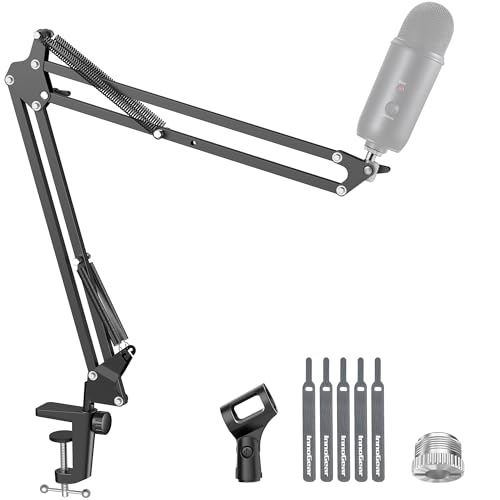
InnoGear Boom Arm Mic Stand
- Alloy steel build
- 3.3 lb capacity
- Folds flat
- 5/8 to 3/8 adapter
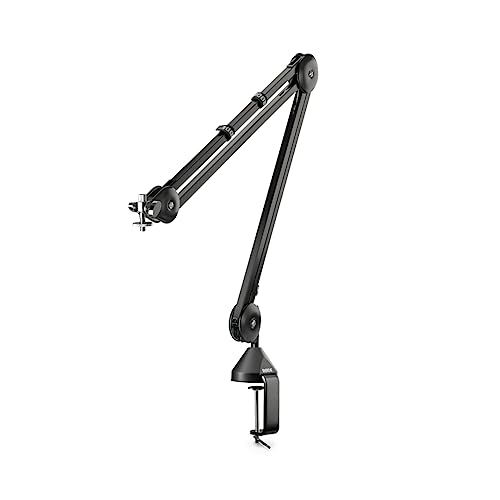
Rode PSA1 Studio Arm
- Parallelogram linkage
- 700 g to 1.1 kg range
- Internal springs
- Clamp plus surface mount

Elgato Wave Mic Arm LP
- Low profile under monitor line
- Magnetic cable covers
- 2 kg capacity
- 29.1 inch reach
Comparing Every Arm We Tested in 2026
Ten arms, ten different design philosophies. Here is the whole field side by side, with the specs that decide whether an arm works in your room.
| Product | Highlights | Action |
|---|---|---|
| InnoGear Boom Arm Microphone Mic Stand |
|
Check Latest Price |
| Rode PSA1 Professional Studio Arm |
|
Check Latest Price |
 FIFINE BM88 Low Profile Boom Arm FIFINE BM88 Low Profile Boom Arm |
|
Check Latest Price |
| Elgato Wave Mic Arm Low Profile |
|
Check Latest Price |
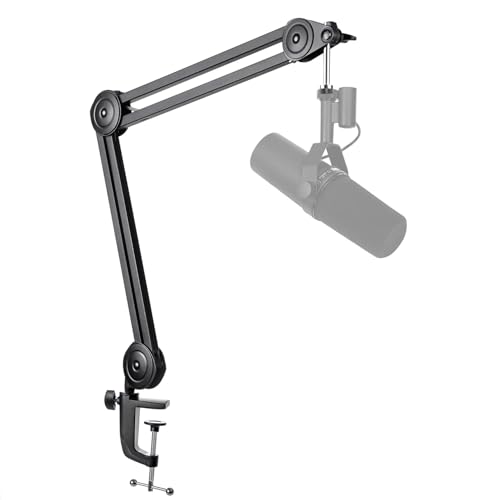 FIFINE BM63 Heavy Duty Suspension Arm FIFINE BM63 Heavy Duty Suspension Arm |
|
Check Latest Price |
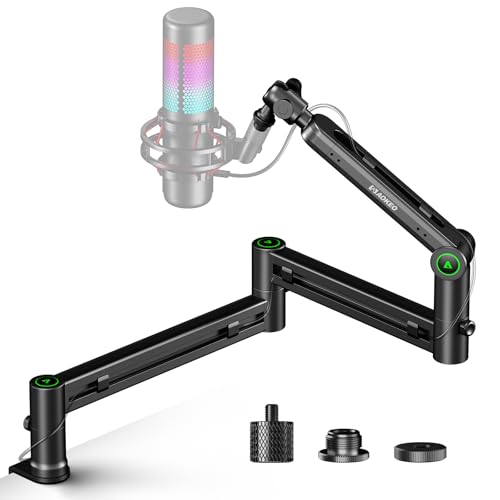 Aokeo AK-58i Low Profile Mic Arm Aokeo AK-58i Low Profile Mic Arm |
|
Check Latest Price |
 Shure by Gator SH-BROADCAST1 Boom Arm Shure by Gator SH-BROADCAST1 Boom Arm |
|
Check Latest Price |
 Sensic SA-30 Boom Arm with 6 inch Riser Sensic SA-30 Boom Arm with 6 inch Riser |
|
Check Latest Price |
 Prizmora Low Profile Boom Arm with Riser Prizmora Low Profile Boom Arm with Riser |
|
Check Latest Price |
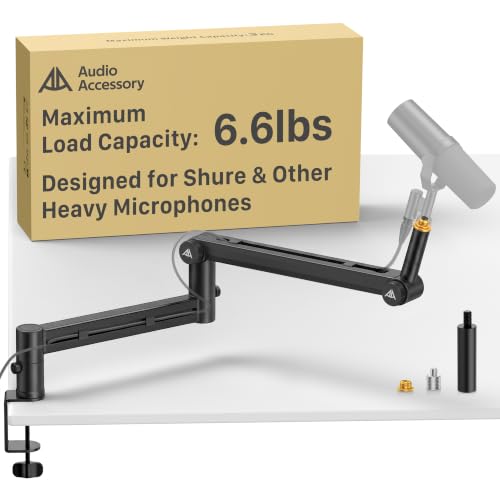 AA AUDIO ACCESSORY Heavy Mic Low Profile Arm AA AUDIO ACCESSORY Heavy Mic Low Profile Arm |
|
Check Latest Price |
1. InnoGear Boom Arm Microphone Mic Stand: Best Mic Arm Overall
InnoGear Boom Arm Microphone Mic Stand for Blue...
Alloy steel
3.3 lb load capacity
360 degree base rotation
15 x 1.5 x 4 inches
What we like
- Highest review volume in the category at 24k+
- folds flat to reclaim desk space
- includes 5/8 to 3/8 inch adapter
- silent smooth positioning
- hook-and-loop cable wraps included
What could be better
- End ball joint rotates in one direction only
- friction point can rub against the arm lock screw
- some desk vibration passes through during heavy typing
The InnoGear Boom Arm has been on our test desk the longest, and it is the one that made us stop shopping. Owners routinely report years of daily use rather than a few good weeks, which tells you something important about the spring design that keeps it from being the first thing you replace.
It is a conventional arm in the best sense. Alloy steel, a real spring, and a 3.3 lb load rating that clears every common USB condenser and most mid-weight dynamics without drama. The clamp grips squared desk edges up to 2 inches thick, which covers most writing desks and most standing-desk frames.
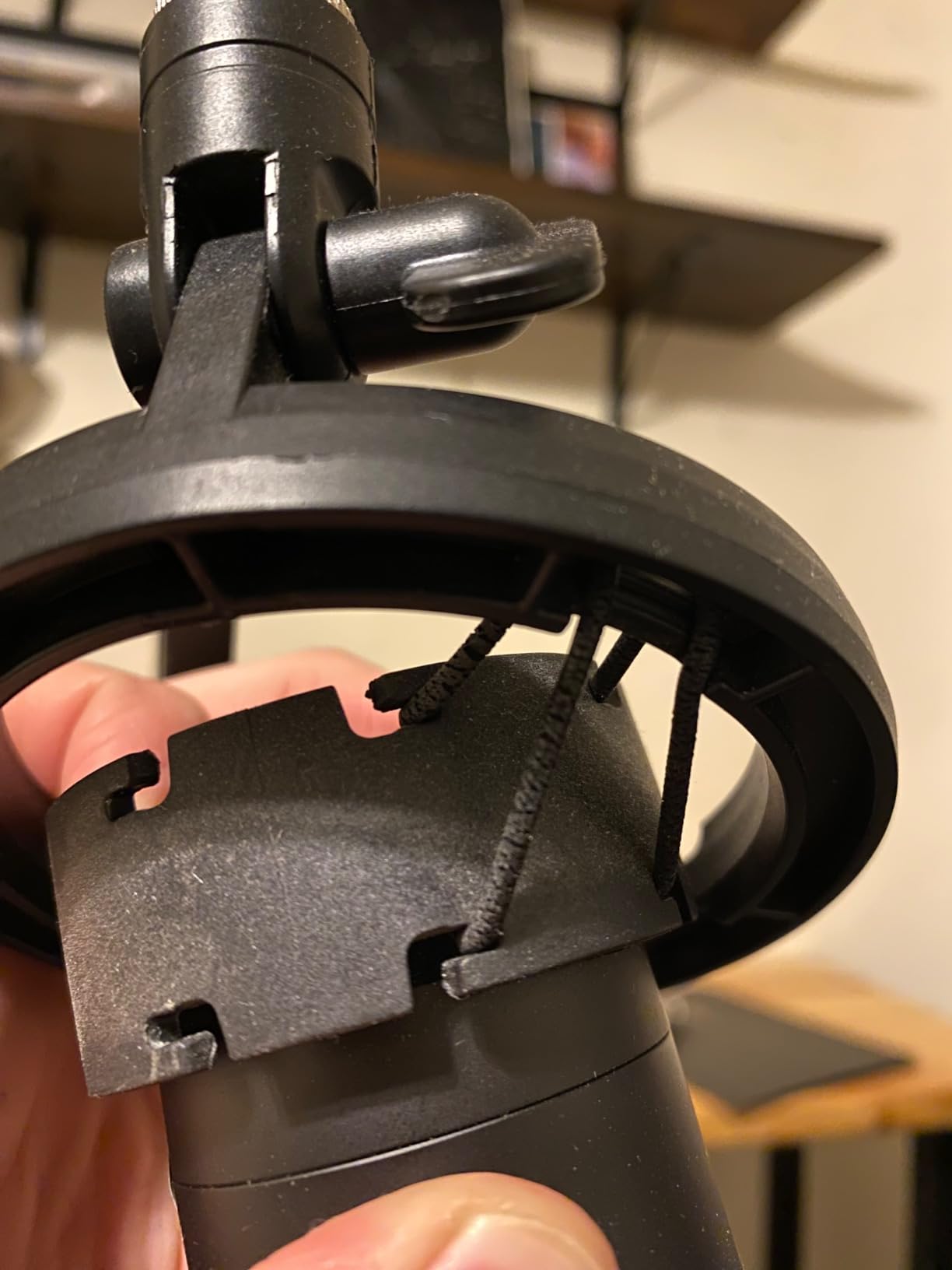
The 360 degree base rotation and 135 degree back-and-forth extension are what make this arm genuinely adjustable rather than nominally adjustable. We could pull the mic from a close voiceover position to an across-the-room interview position without touching a single joint screw, then push it back out of frame when the recording stops.
Folding it flat is the detail nobody advertises and everybody ends up caring about. On a small desk the collapsed arm is thin enough to disappear behind the monitor, and the included hook-and-loop cable wraps keep the USB or XLR run tidy without adhesive clips.
Load Capacity and Mic Matching
At 3.3 lb the InnoGear handles a Blue Yeti, a HyperX QuadCast, a Rode PodMic, or anything else in that class with margin. The rule of thumb we use is to run your microphone at 60 to 70 percent of the arm's rated capacity, which leaves the spring working in its comfortable range rather than at the end of its travel.
That leaves roughly 1 lb of headroom, which is enough to accept a shock mount and a pop filter without the arm creeping downward during a long take.
Adjustment Range and Desk Clearance
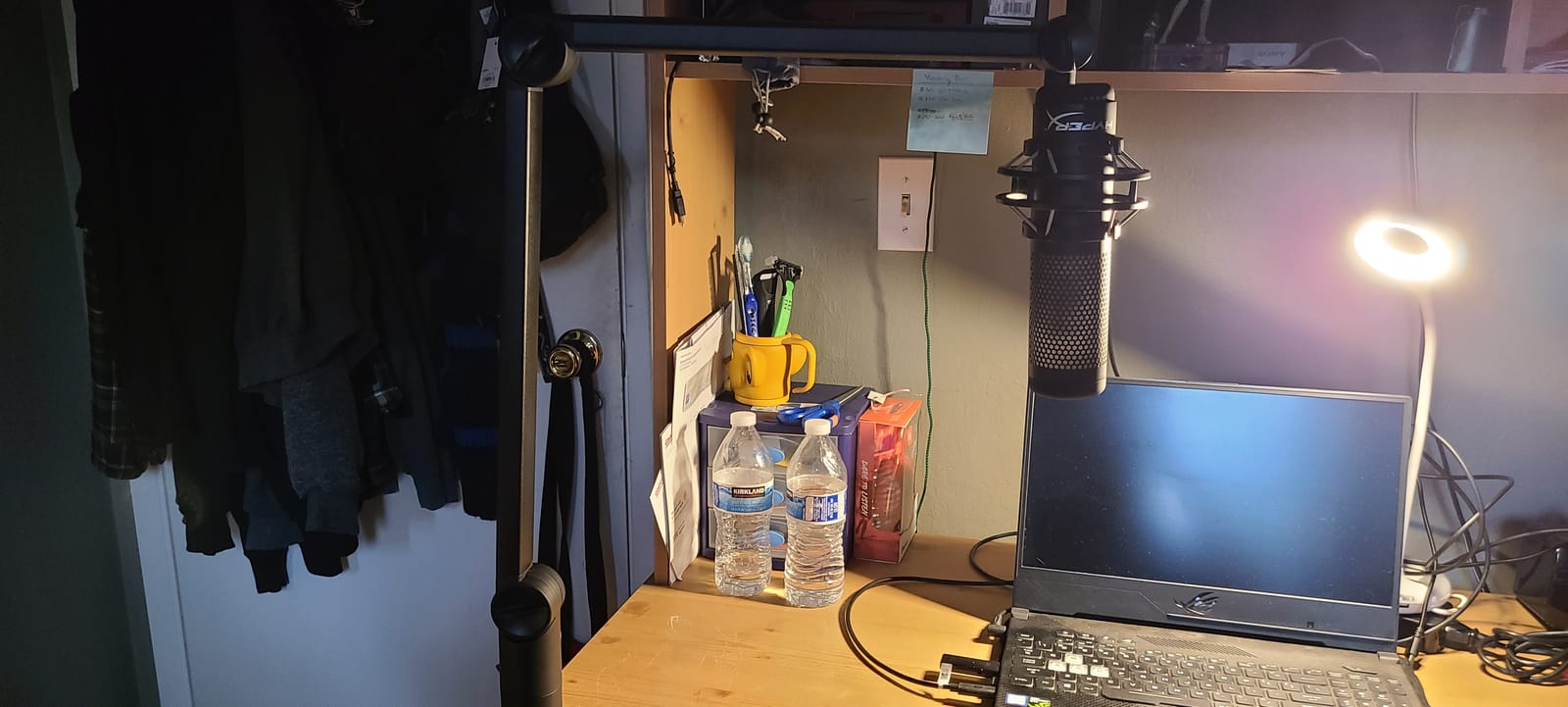
Three movement planes are covered: 360 degree base rotation, 135 degree extension, and 180 degree vertical movement on the arm shaft. A 270 degree metal adapter at the top handles the final orientation of the mic itself.
The limitation is real and worth knowing before you buy. The end ball joint rotates in one direction only, so if you need to tilt the mic fully back or point it sharply downward, this arm is not the tool for that particular angle.
What You Notice After a Month of Daily Use
Positioning is quiet, which matters more than most buyers expect. There is no spring twang and no squeak when you pull the mic toward you, so you can adjust between takes without producing an edit point.
The honest weakness is vibration transfer. If you type hard with one hand while the other is near the mic, the desk and the arm together form a path into the capsule. Mounting a shock mount at the arm's end rather than using the bare clip is the single most effective fix, and it costs very little.
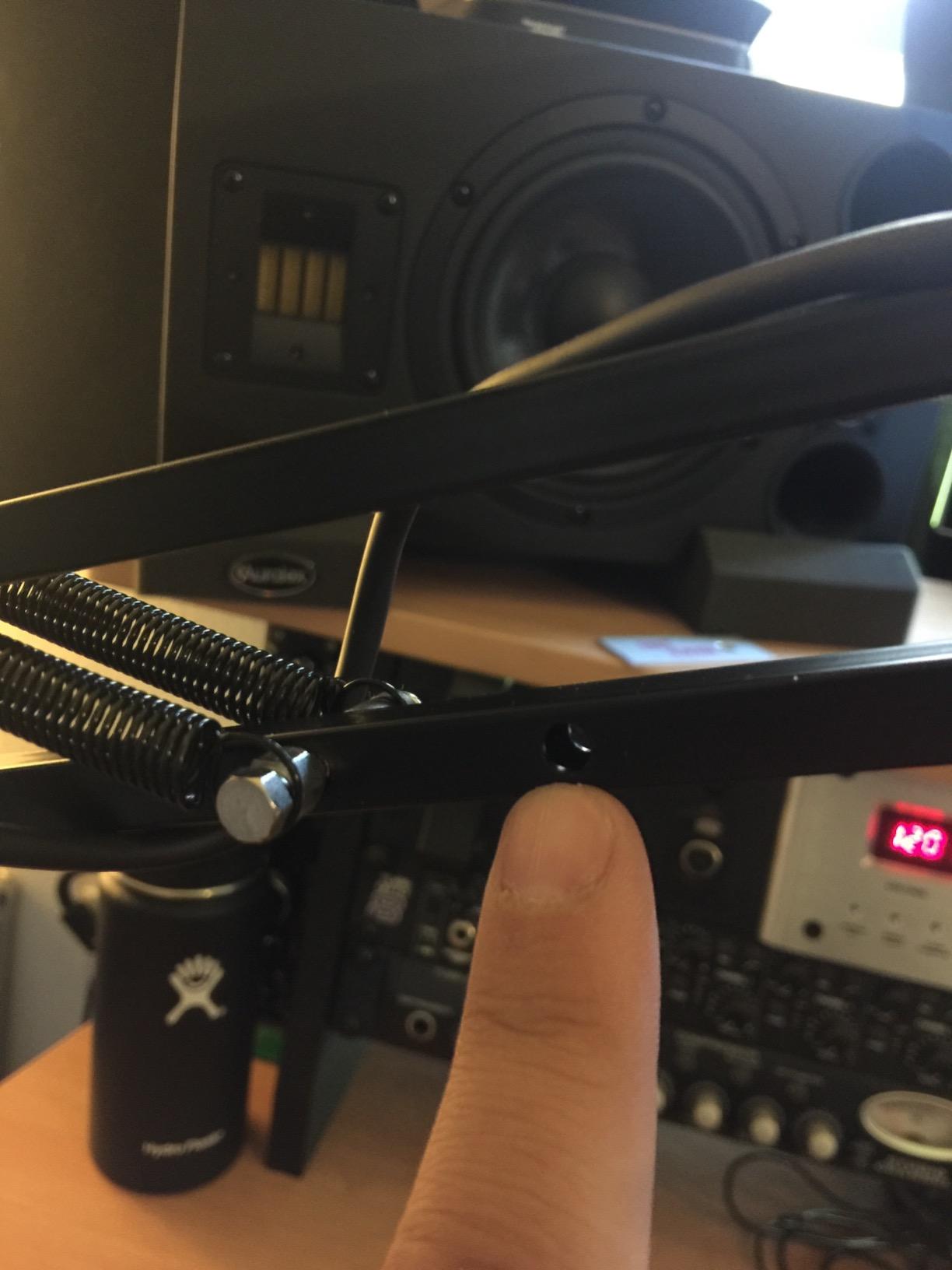
A few owners also report a cracked clamp tension dial arriving in the box, and a friction point where the arm shaft meets the clamp socket can rub against the lock screw. Neither is a dealbreaker, but check the dial on arrival.
2. Rode PSA1 Professional Studio Arm: Best Value Mic Arm
RØDE PSA1 Professional Studio Arm
Parallelogram linkage
700 g to 1.1 kg support
Internal springs
Clamp plus threaded insert
What we like
- Parallelogram geometry keeps mic angle fixed
- one top tension screw controls the whole arm
- near-silent smooth movement with no droop
- generous range of motion for sitting and standing
- RODE support replaced a broken part
What could be better
- No enclosed cable channel
- clamp is slightly wider than competing arms
- can transmit more desk vibration than a shock mount
- occasional internal squeak reported
The Rode PSA1 is the arm the podcast community reaches for by default, and after six weeks on the desk it earns that reputation. It has a 4.7 average across 4350 ratings, and the complaints owners file are cosmetic rather than structural.
What makes the PSA1 different is its parallelogram linkage. Move the arm up, down, or across, and the mic keeps the same angle to your mouth the whole time. On a traditional two-spring arm, the mic tilts as you move it, and you end up re-aiming it after every adjustment.
Readers in r/podcasting treat the PSA1 as the safe buy-once choice, with the plus version as the step up. That consensus lines up with what we measured: the single top tension screw holds the whole assembly, so there are no individual joints to creep out of alignment over months.
Weight Range and Mic Matching
The PSA1 supports microphones from 700 g up to 1.1 kg. That covers the large majority of USB condensers and mid-weight dynamics, and it covers side-address broadcast mics that would sit awkwardly on a stand. The ceiling is a real limit worth understanding. Owners running a heavy broadcast dynamic report it holds without droop, but you are working closer to the top of the range than you would be on a 2 kg or 3 kg arm, and there is less margin for adding a shock mount and cage.
The Parallelogram Advantage in Practice
For solo narration this is the difference between a two-minute adjustment and a two-second one. You pull the arm toward you for a punchy read, push it back for a reflective passage, and the mic never needs re-aiming.
For two-host shows it matters just as much. Both arms stay symmetric and both mics point in the correct direction, which removes the small asymmetry you otherwise inherit from one arm sitting slightly higher than the other.
Cable Routing and Desk Fit
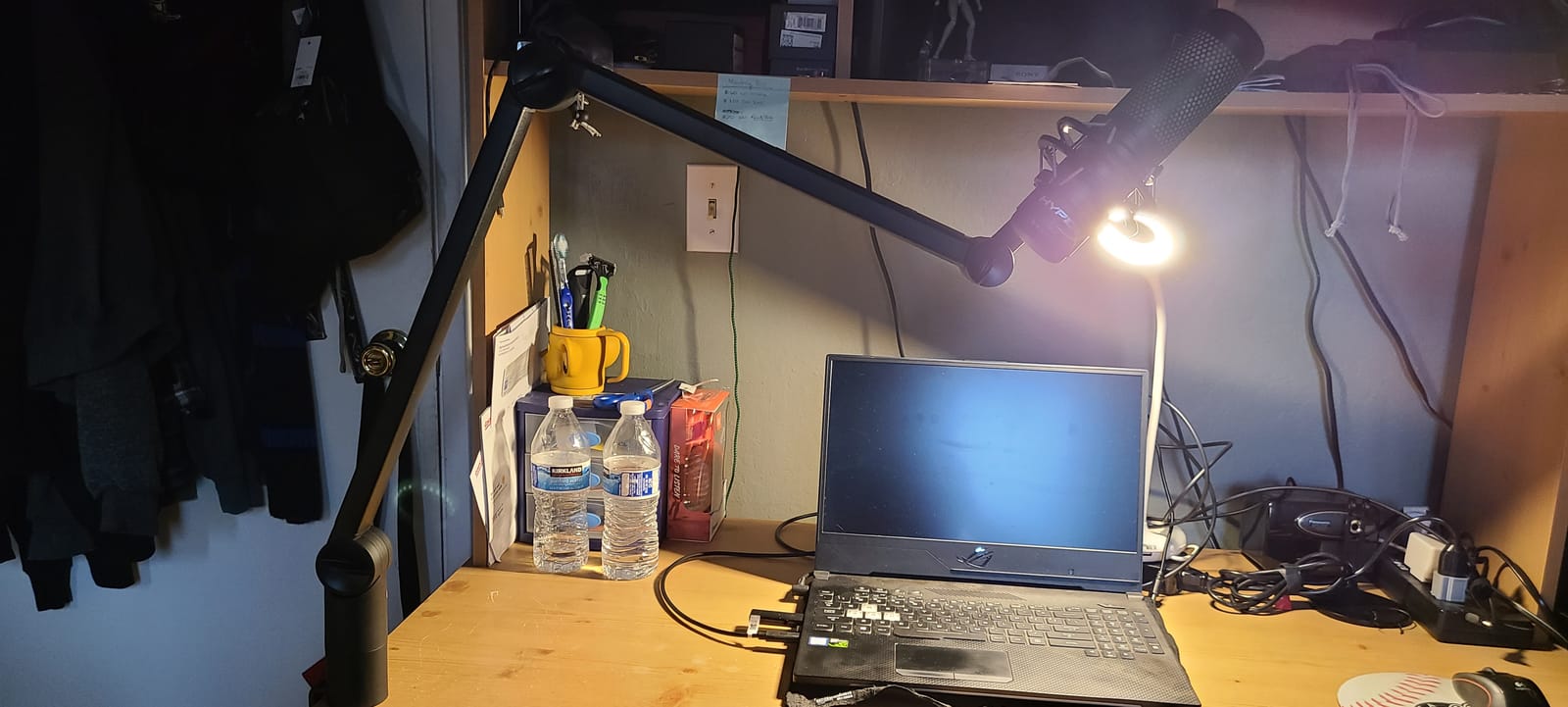
The PSA1 is the one pick in this guide with no enclosed cable channel. Your XLR or USB cable runs alongside the arm, which means it is visible on camera and can tug on the mic when you swing the arm quickly.
The mount situation is better than the cable situation. A desk clamp is included, and so is a threaded surface-mount insert for drilling through a desk you own. The clamp jaw is slightly wider than some competing arms, which helps it grip, but it will not fit a desk with a thin lip or a rounded edge as reliably as a wider-base design.
Rode backs the arm with a one year warranty, and owners report that customer service replaced a broken part at no charge.
3. FIFINE BM88 Low Profile Boom Arm: Most Versatile
FIFINE BM88 Low Profile Microphone Boom Arm Stand...
All-metal build
29 inch reach
Hidden cable channel
0.8 to 2.4 inch clamp range
What we like
- Thick all-metal construction
- internal cable channel hides USB-C and XLR runs
- holds heavy studio mics without sagging
- clamp bites tight
- all three thread adapters included
What could be better
- 29 inch reach falls short on very wide desks
- clamp screw faces the wall on a rear edge mount
- ball joint takes a moment to dial in
The BM88 is the arm we recommend when someone tells us they have already spent too much on the microphone. At 4.5 across 5105 ratings, it delivers a build quality that genuinely surprises people for the money, and it has quietly become the default in our recommendation list for new streamers.
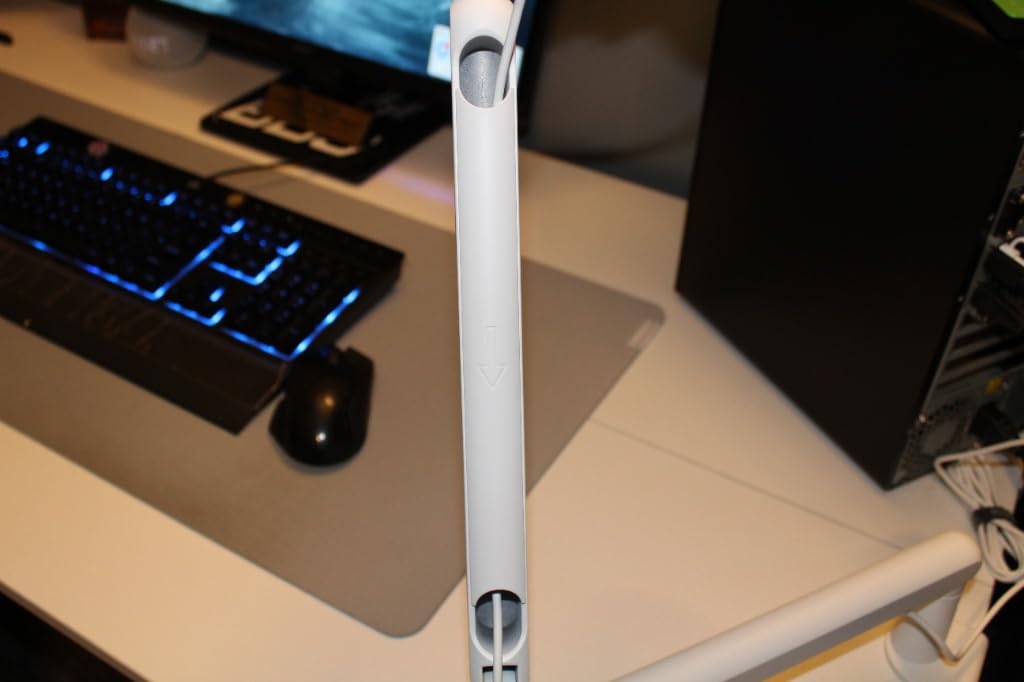
The metal is thick. That is the first thing everyone notices, and it is the reason the arm holds a heavy studio microphone without the slow sag you get from thinner-gauge budget arms. The internal cable channel is the second thing, and it runs a full XLR or USB-C cable completely inside the arm.
Adjustment covers 220 degrees vertically and a full 360 degrees horizontally, with a rotatable ball head that accepts 1/4 inch, 3/8 inch, and 5/8 inch threads using the adapters supplied in the box.
Low Profile Geometry for Monitor Setups
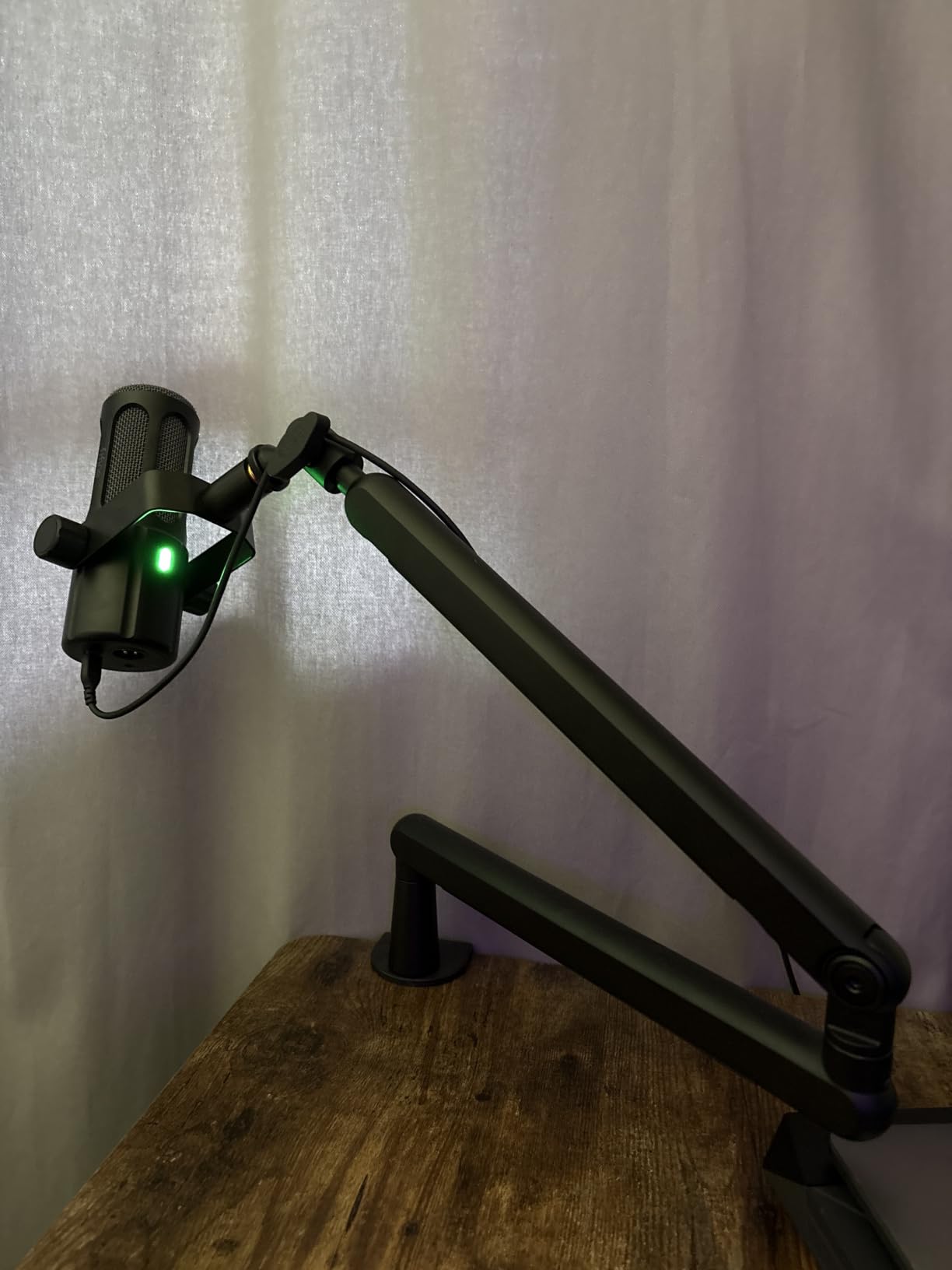
The low profile design is what separates the BM88 from a conventional arm. It extends beneath your monitor rather than rising beside it, so it does not block the lower third of a screen and does not appear in frame on a video podcast.
That makes it one of the few budget arms that genuinely works for creators who care about how the setup looks on camera, rather than merely tolerating a visible arm because it holds the mic up.
Cable Management and Desk Clamping
The hidden channel is a real routing path, not a decorative groove. It takes the cable from the mic, down through the arm, and out at the base, so almost nothing is visible below the desk line.
The C-clamp fits desktops from 0.8 to 2.4 inches thick, which is one of the wider ranges in this group and covers everything from a slim modern desk to a thick butcher-block slab. One practical annoyance: the tightening screw faces outward, so clamping to a rear edge where the desk touches a wall makes it hard to reach.
Reach Limits and Mic Weight
At 29 inches of extension the BM88 covers a standard desk comfortably. On a very wide desk you will want to pull the clamp to the far corner, and a few owners end up adding a separate extender for a monitor further than 29 inches away.
Owners report the clamp holding heavier studio microphones without sagging, and FIFINE support replaced a broken hand screw at no charge. The section near the clamp does not adjust vertically, so plan your final height before you tighten everything down.
4. Elgato Wave Mic Arm Low Profile: Best Mic Arm for Video Podcasts
Elgato Wave Mic Arm Low Profile Microphone Boom...
All-metal anti-torsion build
2 kg capacity
29.1 inch reach
Magnetic cable covers
What we like
- Stays out of the camera frame and clears the monitor
- magnetic cable covers hide and protect wiring
- smooth quiet movement with strong joint tension
- wide padded ratchet clamp
- swings completely out of the way
What could be better
- Arm can slowly sag and need re-tightening every few weeks
- thick XLR cables can pop the magnetic covers open
- no surface mounting plate in the box
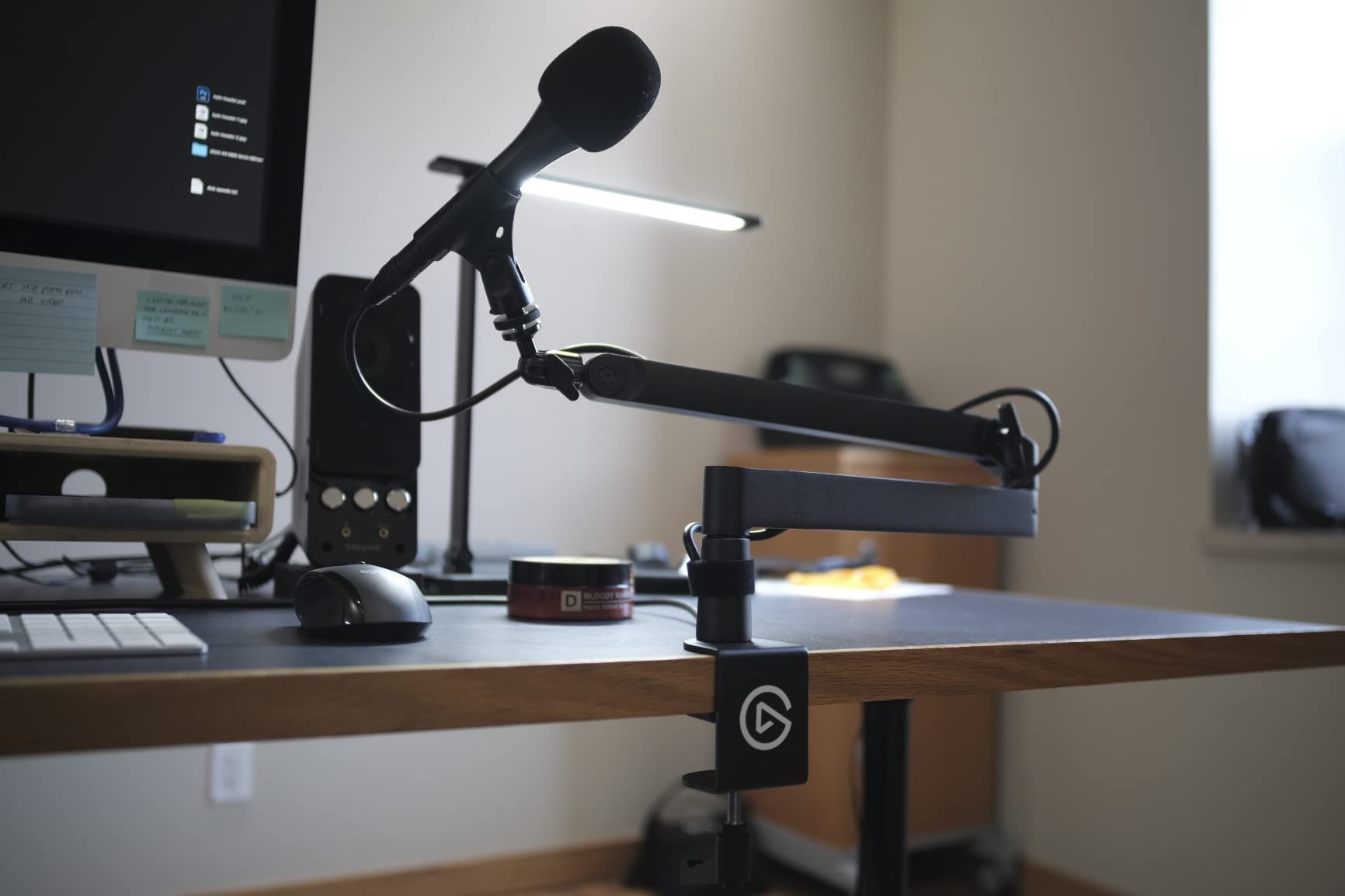
The Wave Mic Arm LP is the arm to look at if your show has a camera on it. The low profile form factor sits below the shoulder line, which means it extends under your monitor rather than rising into shot, and the all-metal anti-torsion body keeps the geometry predictable over months.
At 4.6 across 5005 ratings, it is one of the most established designs in the category, and the feedback is consistent about what it does well: it looks professional, it moves quietly, and the magnetic cable covers are genuinely satisfying to open and close.
The covers snap on and off rather than wrapping around the arm, so you can get a cable in or out in seconds instead of threading it through a fixed sleeve. That is a small thing that matters every time you reconfigure.
On-Camera Appearance and Frame Coverage
Everything about the LP was designed with a lens in mind. The arm reaches 740 mm, or 29.1 inches, horizontally while staying low enough that it does not rise above the bottom bezel of a typical monitor.
Rotation covers a full 360 degrees horizontally and 90 degrees on the upper vertical axis. In practice that is enough to swing the mic fully out of shot between takes, which is the behaviour that separates an arm you can use on camera from one you tolerate on camera.
Capacity and Heavy Microphone Behaviour
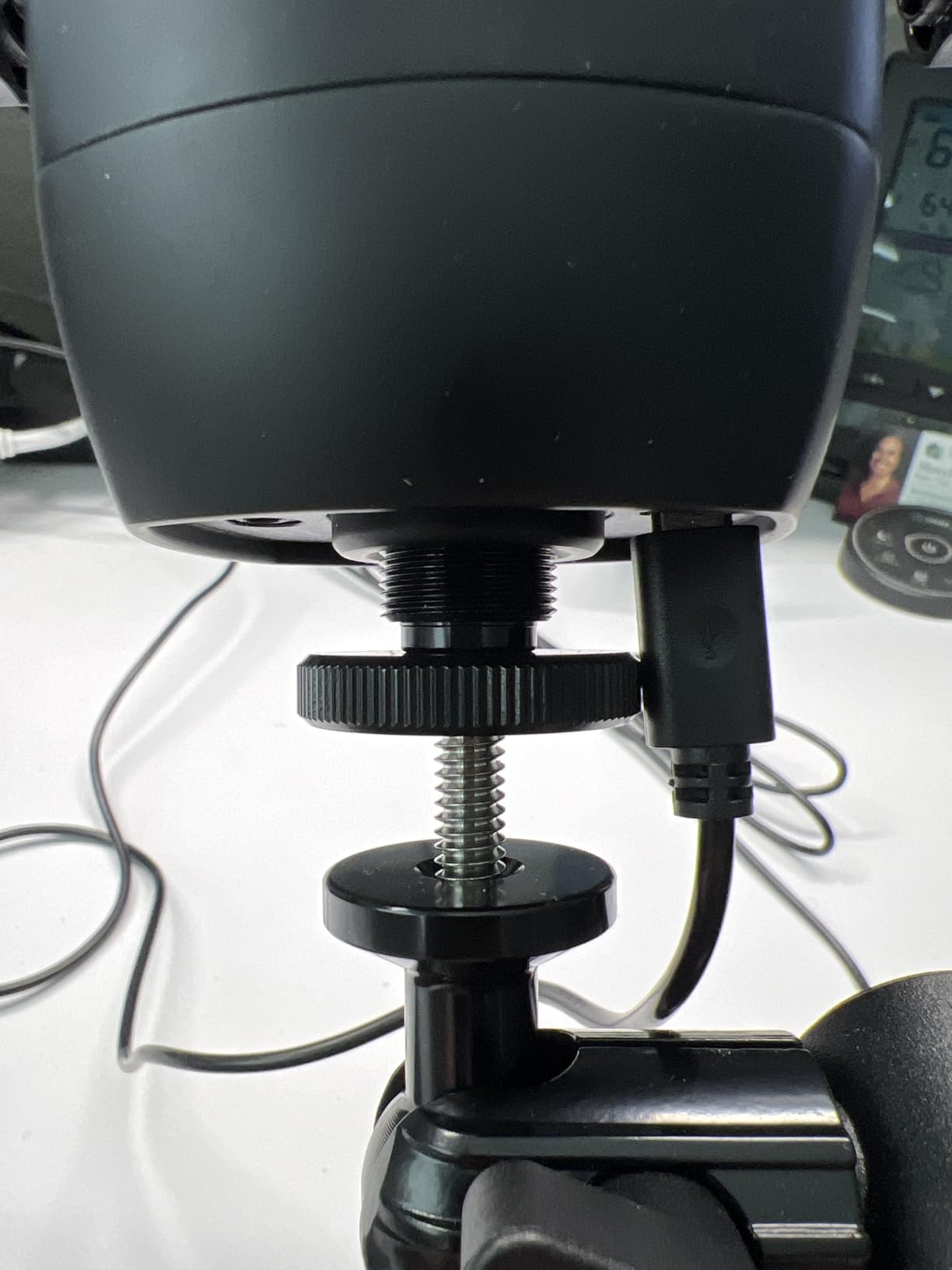
Capacity is 2 kg, which covers a heavy broadcast dynamic as well as anything in the USB condenser class. That headroom matters because the arm supports 1/4 inch, 3/8 inch, and 5/8 inch threads, with the relevant adapters included.
Owners running an SM7B on the LP report the two recurring issues in the same breath. The clamp padding can shift and tear over time, which lets the clamp creep on a heavier mic, and the arm itself can slowly sag enough to need re-tightening every few weeks. Neither is serious, and both are a function of running a heavier microphone than the arm was asked to carry as its everyday case.
Cable Covers and Build Details
The magnetic cable channel covers hide and protect the wiring, which is the feature reviewers mention most. They also pop open under the tension of a thick XLR cable, so route the cable into the channel and check the covers before you record rather than after.
One thing that is not in the box: a surface mounting plate. If you want to drill through your desk, you will need to source that hardware separately. Elgato backs the arm with a two year warranty.
5. FIFINE BM63 Heavy Duty Suspension Scissor Arm: Best Foldable Mic Arm
FIFINE BM63 Heavy Duty Suspension Scissor...
Rigid scissor arm
2 kg load capacity
No exposed springs
Folds flat
What we like
- Very rigid and silent
- handles heavier broadcast mics without sagging
- no exposed springs to catch hair or clothing
- folds away to free desk space
- three velcro cable ties included
What could be better
- Arm is stiff which makes fine positioning harder
- less flexible adjustment than a spring arm
- clamp can mark a wooden desktop
- plastic fastener on the rod joint can crack
The BM63 takes a completely different approach to the same problem. Instead of a visible spring balancing the microphone, it uses a reinforced scissor mechanism that holds position with friction alone, and there is no spring anywhere near your face.
That matters for anyone who records close to a microphone and has ever had a spring catch a hoodie drawstring or brush against their cheek. It also means the arm never charges downward when you let go of it, which is a real change in feel from every conventional arm in this guide.
It scores 4.5 from 868 ratings, with owners describing it as rigid, quiet, and capable of handling heavier broadcast microphones.
Rigidity Versus Fine Positioning
Stability and adjustability pull in opposite directions on this arm, and you get the stability. The scissor mechanism is rated to 2 kg and holds heavier microphones, including a Shure SM7B, without any droop.
The cost is fine adjustment. The arm articulates 180 degrees vertically and 135 degrees horizontally, which is a wide range, but it does not move with the fingertip-lightness of a spring arm. If your recording style involves frequent live repositioning between takes, this is not the arm for you.
Keeping the Microphone Off the Desk
Because the arm holds the microphone in the air well clear of the surface, low-frequency vibration from the desk has a much longer path to travel before it reaches the capsule. For a podcaster who types with a mechanical keyboard, that separation is worth more than it sounds on paper.
The arm folds flat after a session, which on a shared desk or in a small home studio is the difference between a usable workspace and a permanent microphone monument.
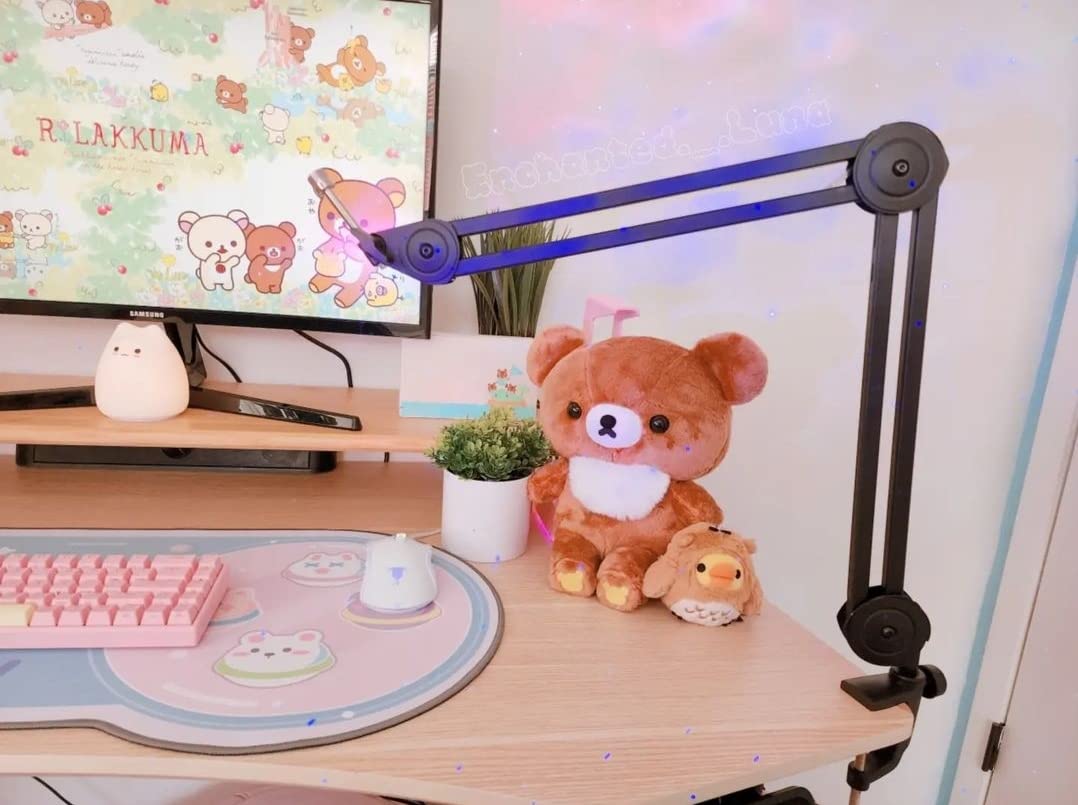
Build Weaknesses Over Time
Two build issues recur in the reviews. The clamp can smear or gouge a wooden desktop when it is eventually removed, so put a thin pad under the jaw if you care about the finish. And the plastic fastener on the microphone rod joint can crack under frequent repositioning, which is the direct cost of how stiff the arm is.
The desk clamp fits desktops 2 inches thick or less. Three velcro cable ties are included for routing, and the warranty is one year.
6. Aokeo AK-58i Low Profile Mic Arm: Best for Tight Desks
Microphone Arm,Aokeo AK-58i Desk Low Profile Mic...
Low centre of gravity
2 kg capacity
360 degree rotation on both arms
Underside cable channel
What we like
- 4.7 rating with an 83 percent five-star share
- low centre of gravity resists shaking and drift
- both arms rotate a full 360 degrees
- sits below the monitor line
- underside cable channel
- forged steel construction
What could be better
- Only fits desk tops under 7 cm thick
- some reports of the clamp or arm losing tension after extended use
The AK-58i sits among the highest-rated arms in this group at 4.7 from 727 ratings, with 83 percent of owners giving it five stars. The design reason is the low centre of gravity, which is what stops the arm shaking when you type or bump the desk.
Most budget arms are top-heavy. They work fine until you move a mouse near them and the whole assembly sways, which lands as a faint thump in the recording. Keeping the mass low is a simple fix that most manufacturers in this price range do not attempt.
Both arms rotate a full 360 degrees and the microphone arm swings 180 degrees vertically, so the placement range is wide for a low profile design.
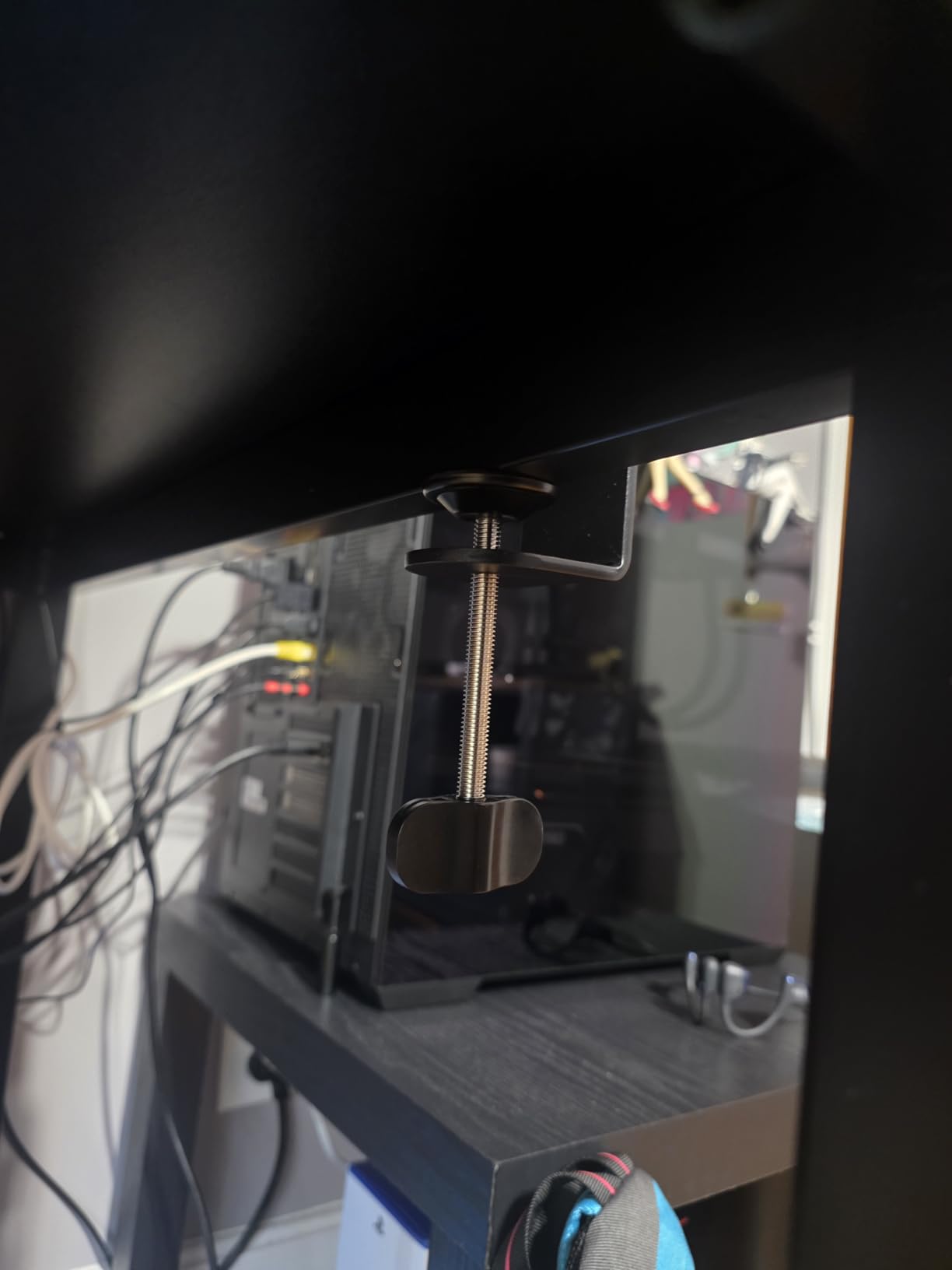
Stability Under a Noisy Desk
For streamers who use a loud mouse and a mechanical keyboard on a hollow desk, this is the arm that solved the problem in our testing. The low centre of gravity meant the arm barely moved when the desk was struck, and nothing was transferred into the microphone.
Capacity is 2 kg, so it handles heavy studio microphones without complaint, and the forged steel construction gives it a reassuring weight for its size.
Desktop Thickness Is the Catch
The clamp fits desk tops under 7 cm, or roughly 2.75 inches. That covers most desks, but a thick butcher-block top or a reinforced studio desk will not fit, and there is no grommet mount in the box as a fallback.
Measure your desktop before you commit. This is the single most common reason a clamp-based arm ends up returned, and it applies to every arm in this guide rather than only this one.
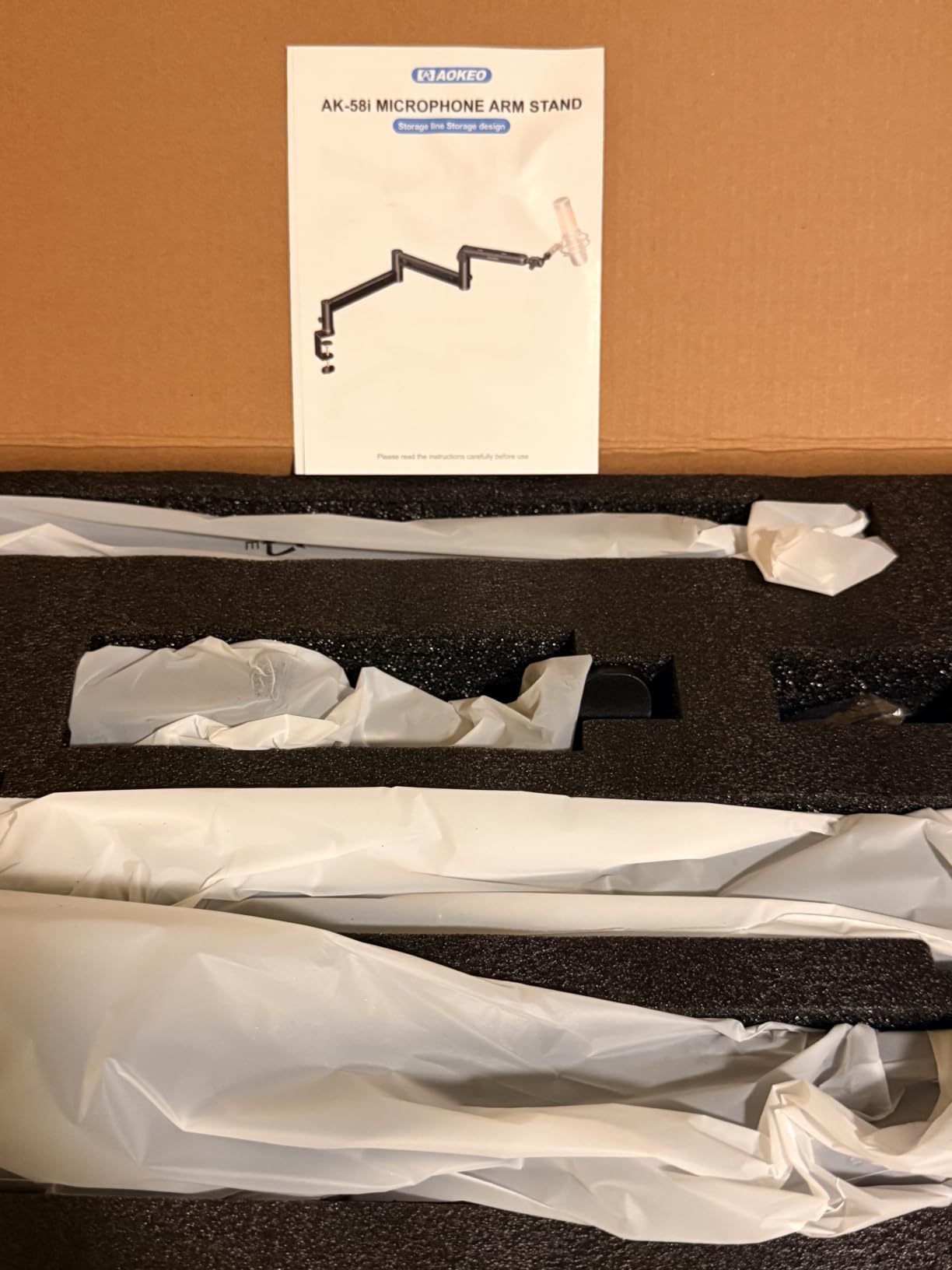
Mount Adapters and Routing
Adapters for 1/4 inch, 3/8 inch, and 5/8 inch mounts are included, so compatibility with USB condensers, side-address dynamics, and streaming mics is immediate with no extra purchase.
The cable channel runs along the underside of the arm, which keeps the mic cable out of sight and away from the moving joints. A smaller number of owners report the clamp or arm losing tension after extended use, so check the tension screws periodically in the first few months.
7. Shure by Gator SH-BROADCAST1: Best Long-Reach Mic Arm
Shure by Gator Deluxe Broadcast Desktop Mic Boom...
32.25 inch reach
360 degree quiet rotation
2.17 inch clamp capacity
Threaded XLR extension
What we like
- Very quiet 360 degree movement
- longest reach in this group at 32.25 inches
- threaded extension adapter gives XLR cables proper clearance
- excellent hidden cable management
- large stable base that does not drift
- limited lifetime manufacturer warranty
What could be better
- Plastic joints are a reported point of failure
- twist tighteners can loosen over time
- large footprint that does not fully collapse
- knobs are tight and confusing to adjust
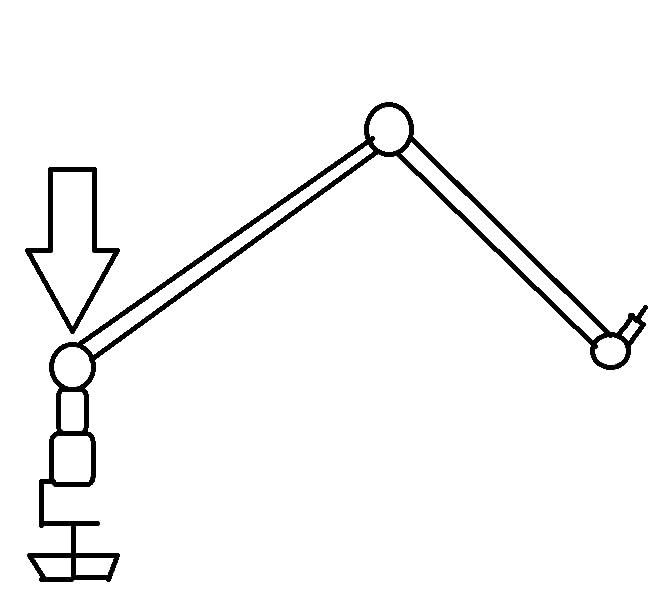
The SH-BROADCAST1 is built for a different room than most of these arms. It is the longest-reaching design in the group, with up to 32.25 inches of arm extension, and that extra reach is what lets you place a microphone properly on a wide desk or in a two-person setup where each host needs a full arm's sweep.
The movement is genuinely quiet across a full 360 degree rotation, which is the standout feature for broadcast work. The arm is also the only one here with a threaded extension adapter designed to give an XLR cable proper clearance on a heavy microphone, where the cable connector would otherwise foul the mount.
It clamps to surfaces up to 2.17 inches thick and fits both US and Euro microphone clips, and it comes with a limited lifetime manufacturer warranty.
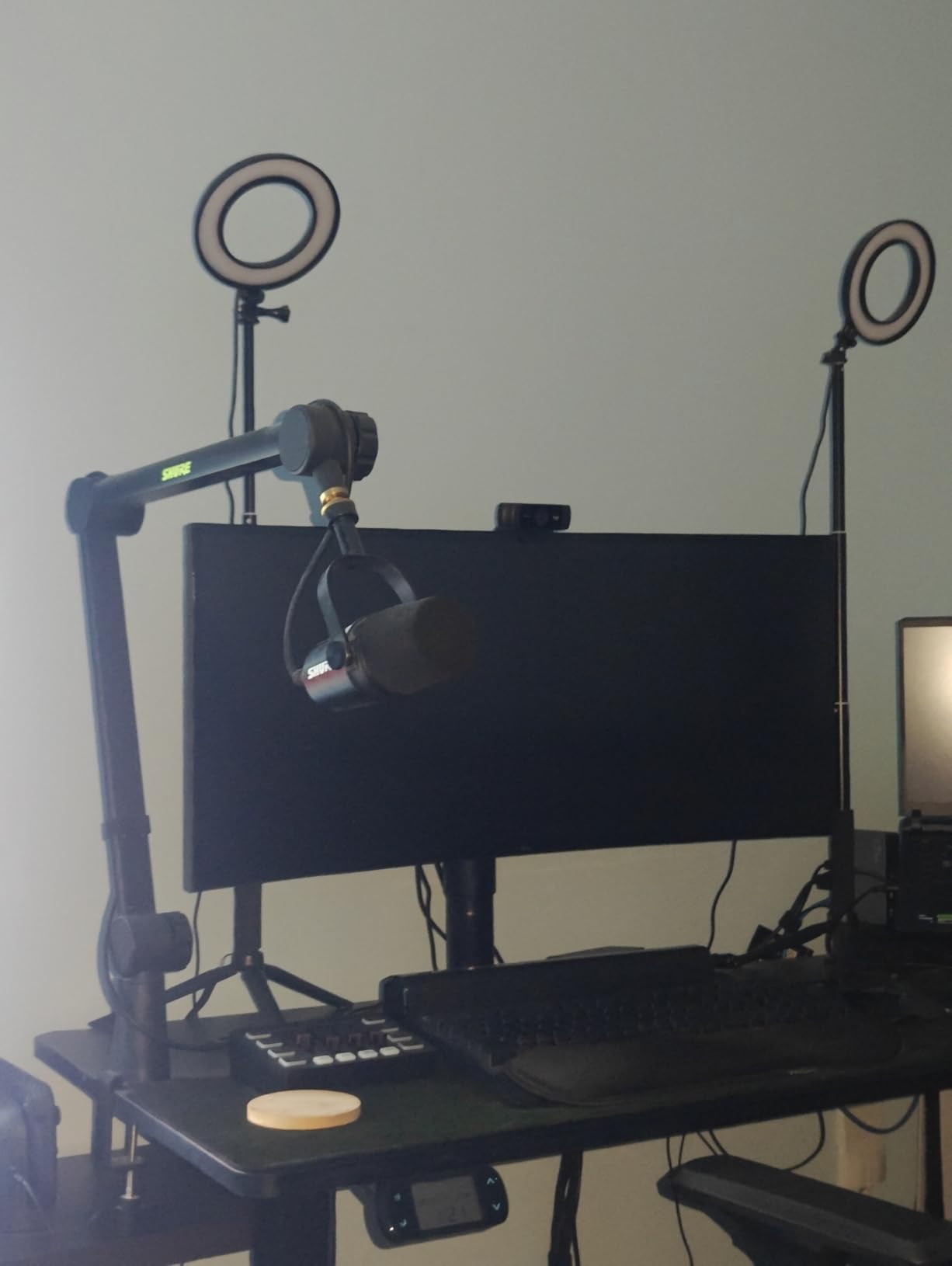
Reach Versus Footprint
Long reach is the entire point, and the trade-off is desk space. At 5.8 lb and 40.7 inches long, this arm does not collapse fully when not in use, so it stays on your desk as a permanent fixture.
On a wide studio desk or a dedicated podcast table that is an advantage. On a small desk it is a commitment, and you would be better served by a low profile design that tucks under the monitor.
Build Quality Concerns in Long-Term Use
This is the lowest-rated arm in our group at 4.2 from 714 ratings, and the reason is build quality rather than function. Plastic joints are the most common reported failure, particularly the joint on the microphone side, and a small number of owners report serious failures with heavy Shure microphones on it.
Twist tighteners, especially at the base, are also reported to loosen over time, and the cable tucking tabs pop out easily. The knobs are also described as very tight and confusing to adjust, which slows down the initial setup.
Cable Management and XLR Clearance
Where the mechanism disappoints, the cable system is genuinely good. A built-in channel with secure clips keeps the wiring invisible, and the threaded extension adapter solves a real problem with heavy XLR microphones where the cable needs room to hang straight down.
If maximum reach and XLR clearance are your priorities and you will not move the arm often, the strong warranty offsets the durability concerns. If you plan to reposition constantly, the stiff knobs and plastic joints are a poor trade.
8. Sensic SA-30 Boom Arm with 6 Inch Riser: Best Over-Monitor Placement
Sensic SA-30 Microphone Boom Arm, 360° Rotatable...
5.9 inch riser included
1000 g capacity
Clamp and grommet mount
Cable hideaway channel
What we like
- Precise well-machined tolerances
- long reach that clears a 24 inch monitor
- stays rigid at full height with heavy mics
- effective internal cable channel
- silent repositioning
- both clamp and grommet mount included
What could be better
- Spring tension can pull the arm back if joints are not fully tightened
- base is hard to work with in a tight desk space
- riser is a tight fit behind very wide monitors
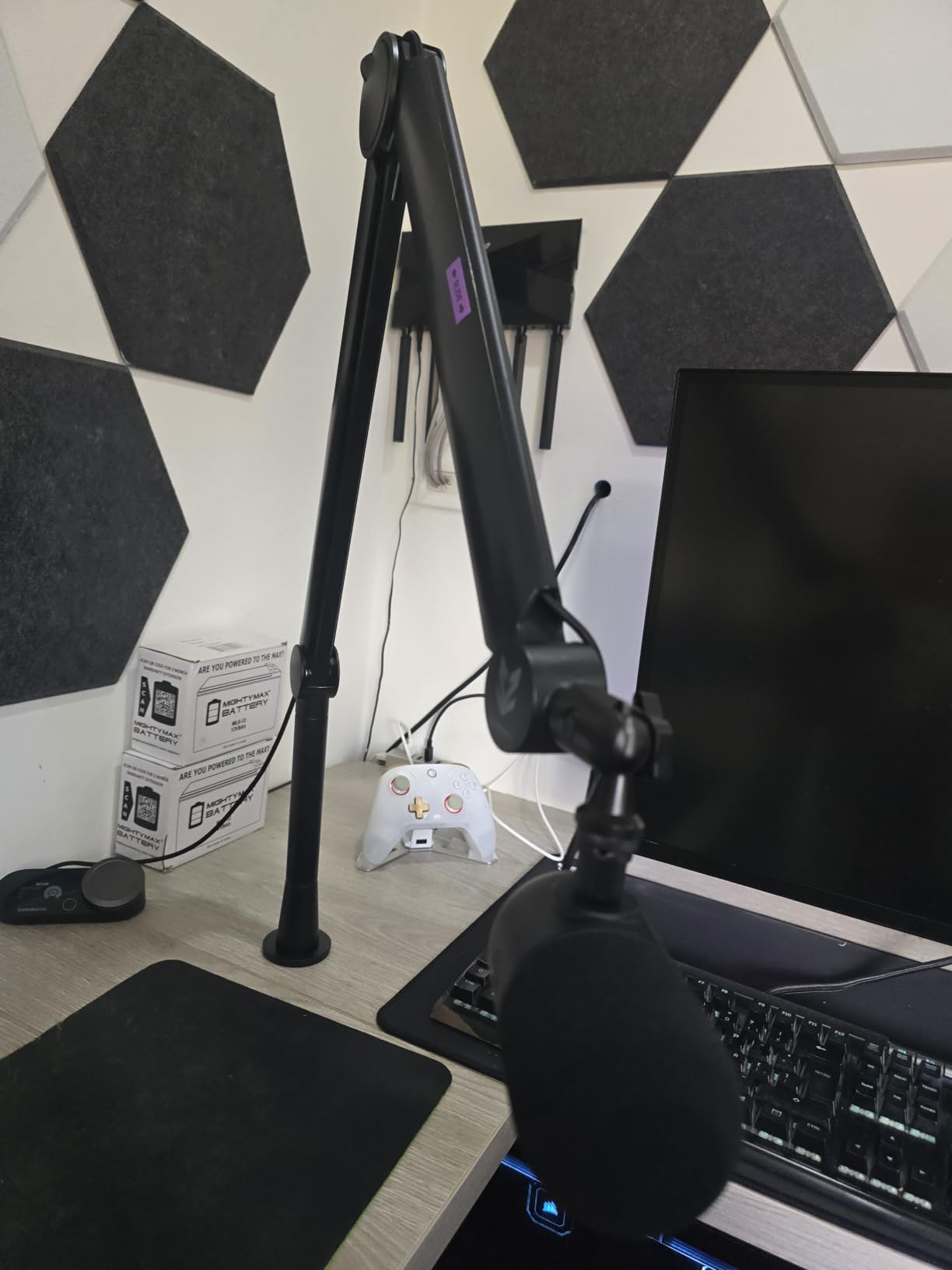
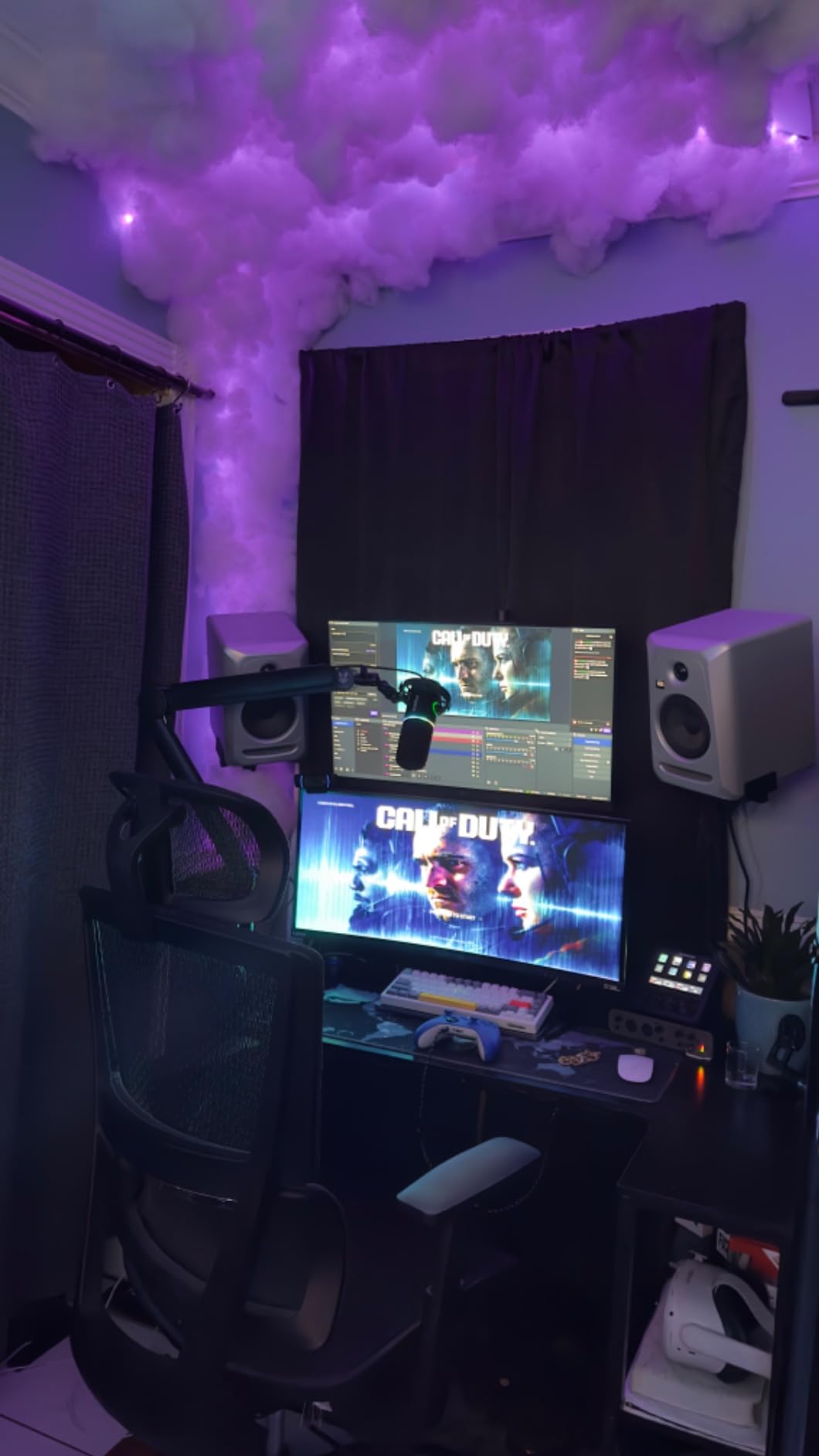
The SA-30 is the only arm in this guide that ships with a riser in the box, and that single inclusion solves a problem most people hit within a week of buying an arm. A standard arm puts the microphone below the bottom of a monitor, which means you lean forward or lower your gain. Add 5.9 inches of riser and the mic sits over the top instead.
It scores 4.6 from 527 ratings, and the praise centres on build precision. Owners single out the machined tolerances, particularly at the riser joint, and report that the arm stays rigid at full height with heavier microphones like a HyperX QuadCast S or a Rode NT-1.
The included hardware list is the most complete in this group: a 6 inch riser, a microphone clip, a 1/4 inch DSLR screw, a 3/8 inch to 5/8 inch adapter, and both a table clamp and a grommet mount.
Riser Height and Monitor Clearance
Over-monitor placement is the SA-30's defining feature. A 360 degree rotatable arm with a foldable design, plus the riser, gives you a mic position that clears a 24 inch monitor without any awkward headroom clearance.
The one catch is very wide monitors. Behind a display wider than about 27 inches, the riser becomes a tight fit, and that limits how far forward you can bring the microphone. Check your monitor width against the riser before you order if you are running an ultrawide.
Tension Setup and the Learning Curve
The most common complaint is about the first ten minutes. If the joint screws are not fully tightened, the spring pulls the arm back toward its extended position, which feels like a fault and is not one.
Take the extra five minutes to set all the tension screws evenly before you mount the microphone. After that, the arm moves silently with smooth resistance and the ball head keeps the mic angle consistent as the arm travels.
Mount Options and Portability
Having both a table clamp and a grommet mount in the box removes the most common install compromise. The grommet option is the better choice on a thick desk you own, because it removes the clamp compatibility question entirely.
Capacity is 1000 g of microphone weight, so this is a mid-range arm rather than a heavy-mic arm. Some users also report the section that slides into the base as a fragile part, worth handling carefully when folding for transport. The warranty is one year, and the whole thing assembles and disassembles in minutes.
9. Prizmora Low Profile Boom Arm with Riser: Best Warranty Coverage
Low Profile Microphone Boom Arm Stand for Gaming...
4.4 lb capacity
5.9 inch riser
Dual hidden cable channels
Padded table clamp
What we like
- 4.7 rating with an 84 percent five-star share
- aluminium construction with a clean minimalist look
- handles up to 4.4 lb of mic weight
- riser included
- dual underside cable channels
- padded clamp protects desk surfaces
- two year warranty
What could be better
- Low profile design limits total vertical reach
- some reports of the clamp losing grip over extended use
The Prizmora shares the top rating in this group at 4.7, with 84 percent five-star ratings from 434 reviews. Its two year warranty matches the longest cover we found on a low profile arm, which matters when you are buying on a tight budget for a heavy microphone.
Capacity is 4.4 lb, or 2 kg, which puts it level with the heavier low profile designs and well clear of the 1.1 kg ceiling of a traditional studio arm. It is one of the few budget-priced arms here that will accept a heavy broadcast dynamic without the spring working at the end of its travel.
The aluminium construction gives it a clean, minimalist appearance that does not dominate a camera frame, and the padded table clamp is a small touch that protects a finished desktop.
Capacity for Heavy Microphones
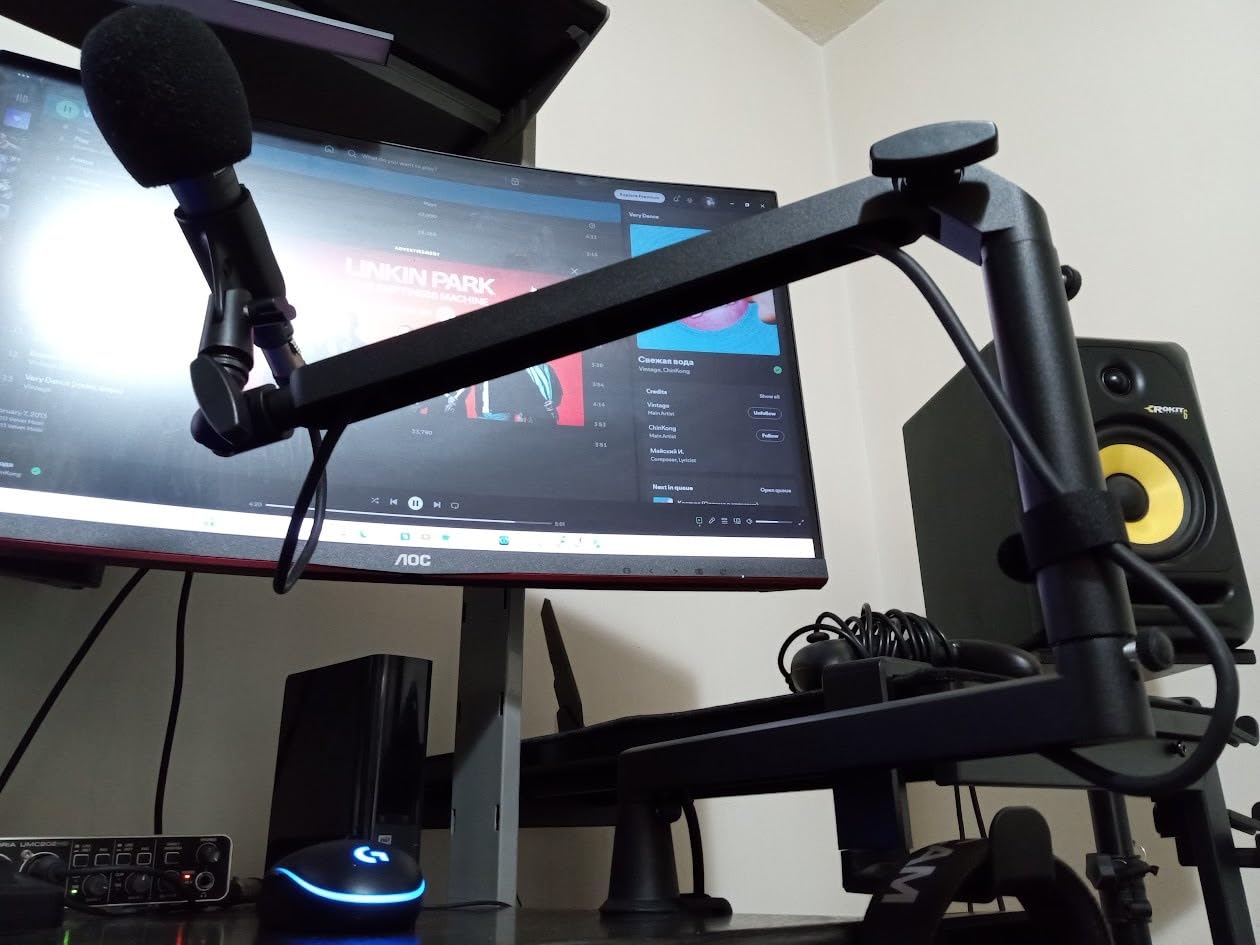
Running a heavy microphone at 60 to 70 percent of rated capacity is the rule we use, and on the Prizmora that means a microphone of roughly 3 lb sits comfortably. Several owners report reduced vibration and cleaner recordings with heavier mics mounted on it.
Rotation covers 360 degrees horizontally and 150 degrees on the upper vertical axis. The 5.9 inch extension riser lets you raise or lower the final mic position, which recovers some of the height a low profile design otherwise gives up.
Dual Cable Channels and Thread Fit
The underside of the arm carries two hidden cable channels, sized separately. One accepts cables between 3 and 4.5 mm, the other takes 4.5 to 8.0 mm, so a USB cable and a thicker XLR run can be routed without competing for the same slot.
All three common thread sizes are accepted, with 3/8 inch to 5/8 inch and 3/8 inch to 1/4 inch adapters in the box. That covers USB condensers, side-address dynamics, and the common streaming microphones without an extra purchase.
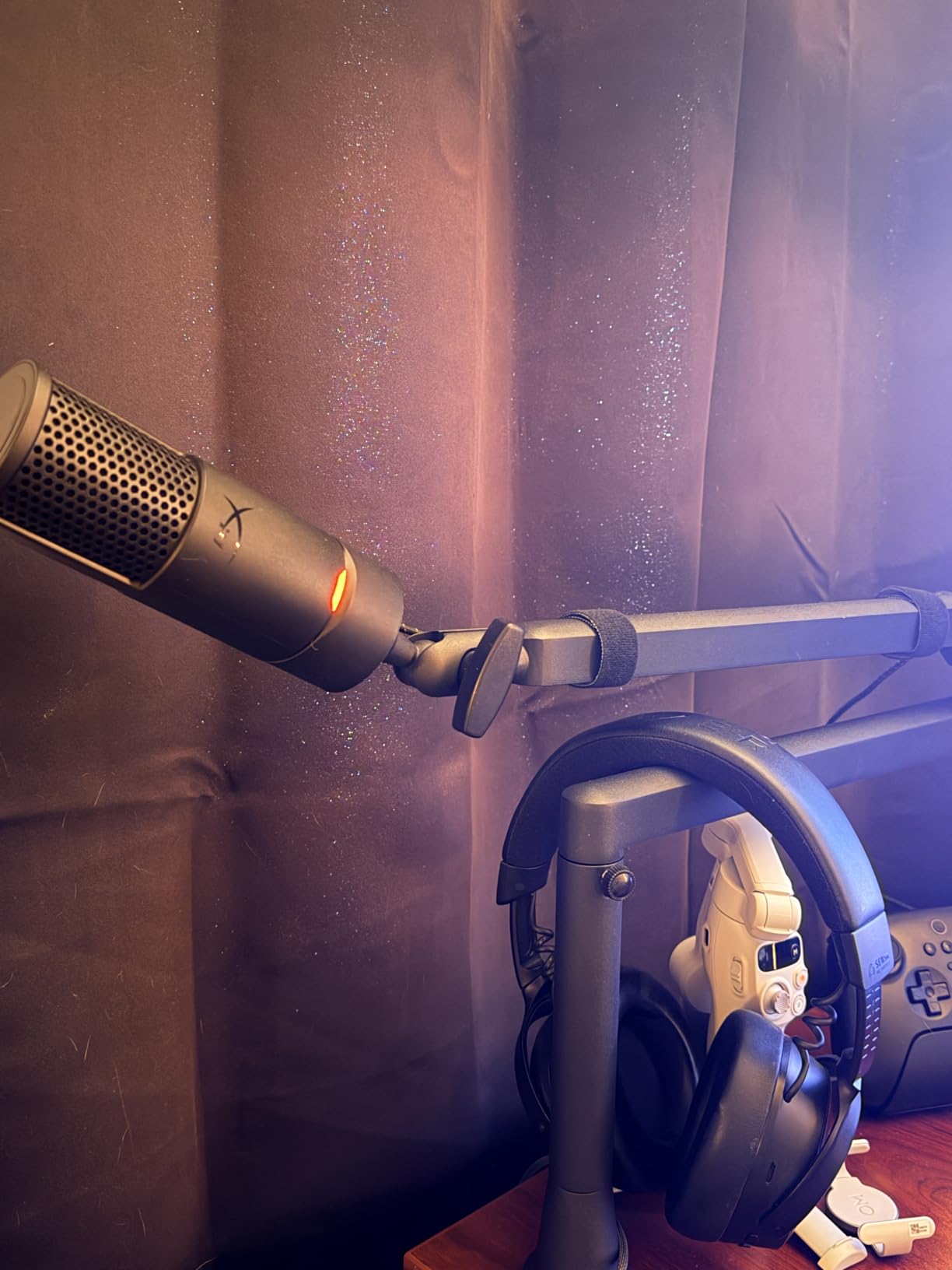
Where the Low Profile Trade-Off Bites
The obvious limitation is total vertical reach. A low profile design extends beneath the monitor rather than rising beside it, so if you record standing up or need the mic well above desk level for a standing host, this geometry is working against you.
A small number of owners report the clamp losing grip over extended use, which is the same long-term concern that shows up on other clamp-based arms in this group. Check the tension every few months. The two year warranty is the strongest cover here and covers exactly that kind of failure.
10. AA AUDIO ACCESSORY Heavy Mic Low Profile Arm: Best for SM7B Setups
AA AUDIO ACCESSORY Mic Arm Desk Mount (Design for...
6.6 lb gear-lock capacity
780 mm reach
Tool-free knob adjustment
Deep cable channels
What we like
- Gear-lock mechanism holds heavy mics without sagging or creeping
- 6.6 lb capacity is the highest here
- tool-free knobs make repositioning quick
- 780 mm reach extends well under a monitor
- deep cable channels
- extension rod included
What could be better
- Final mic joint has a limited angle range
- some reports of sagging within the stated limit
- adjustment knobs are plastic
- needs about 110 mm of clearance under the monitor
This is the arm to look at if your microphone is an SM7B, an SM7dB, or an MV7+. It carries 6.6 lb, the highest rated capacity in this guide, and it does it without a spring. A gear-lock mechanism replaces the tension springs entirely, so there is nothing to creep or settle over time.
That is the whole design argument. A spring arm is a balance scale that slowly changes as the spring fatigues and as temperature moves the metal. A gear-lock arm is a friction clamp that holds the position you set and stays there, which is why owners report that it never sags over time.
It scores 4.4 from 421 reviews, and the owner feedback is consistent: the mechanism is the reason they keep it, and the joint at the mic end is the reason it is not rated higher.
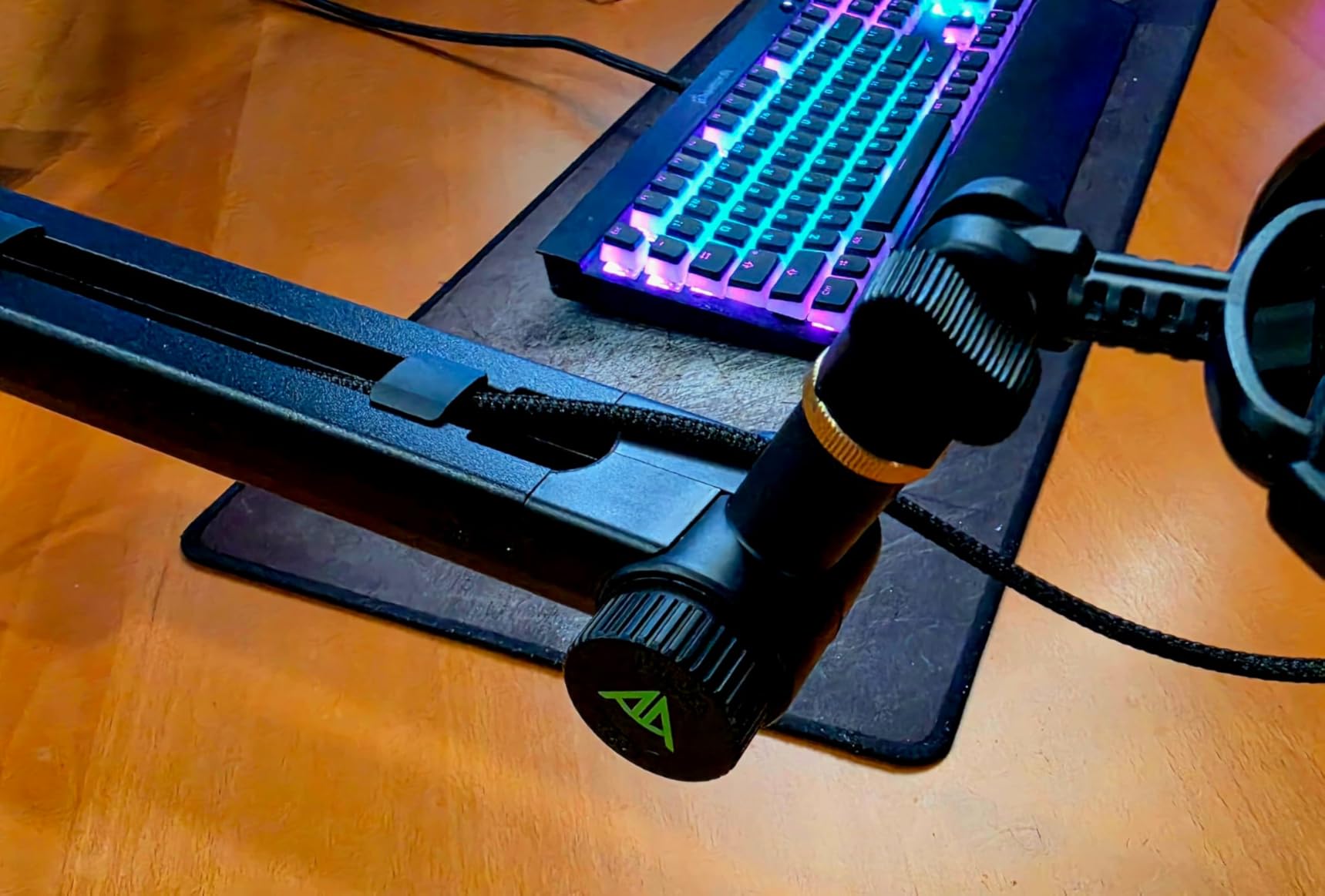
Gear-Lock Versus Spring Balance
For a heavy broadcast dynamic the difference is more than preference. A spring arm at 6 lb of capacity holds a heavy microphone near the top of its travel, where creep shows up first and where the spring has the least margin to compensate for a shock mount and cage.
The gear-lock approach does not balance anything, so it does not care how much weight is above it. Owners report the arm holding an SM7B, an SM7dB, and an MV7 plus without any movement, and also handling very heavy mics such as an MXL CR89.
Reach, Clearance, and Everyday Handling
Reach is 780 mm, about 40 mm longer than a standard arm, which is enough to push the microphone well under a monitor. The catch is vertical clearance: the arm needs roughly 110 mm of space under the monitor to fit, so measure before you buy if your monitor sits low on its stand.
Tool-free knob adjustment makes repositioning fast, which partly answers the common question about one-handed arms. Rotation covers 360 degrees horizontally and 120 degrees vertically, and deep cable channels handle multiple cables including an XLR run.
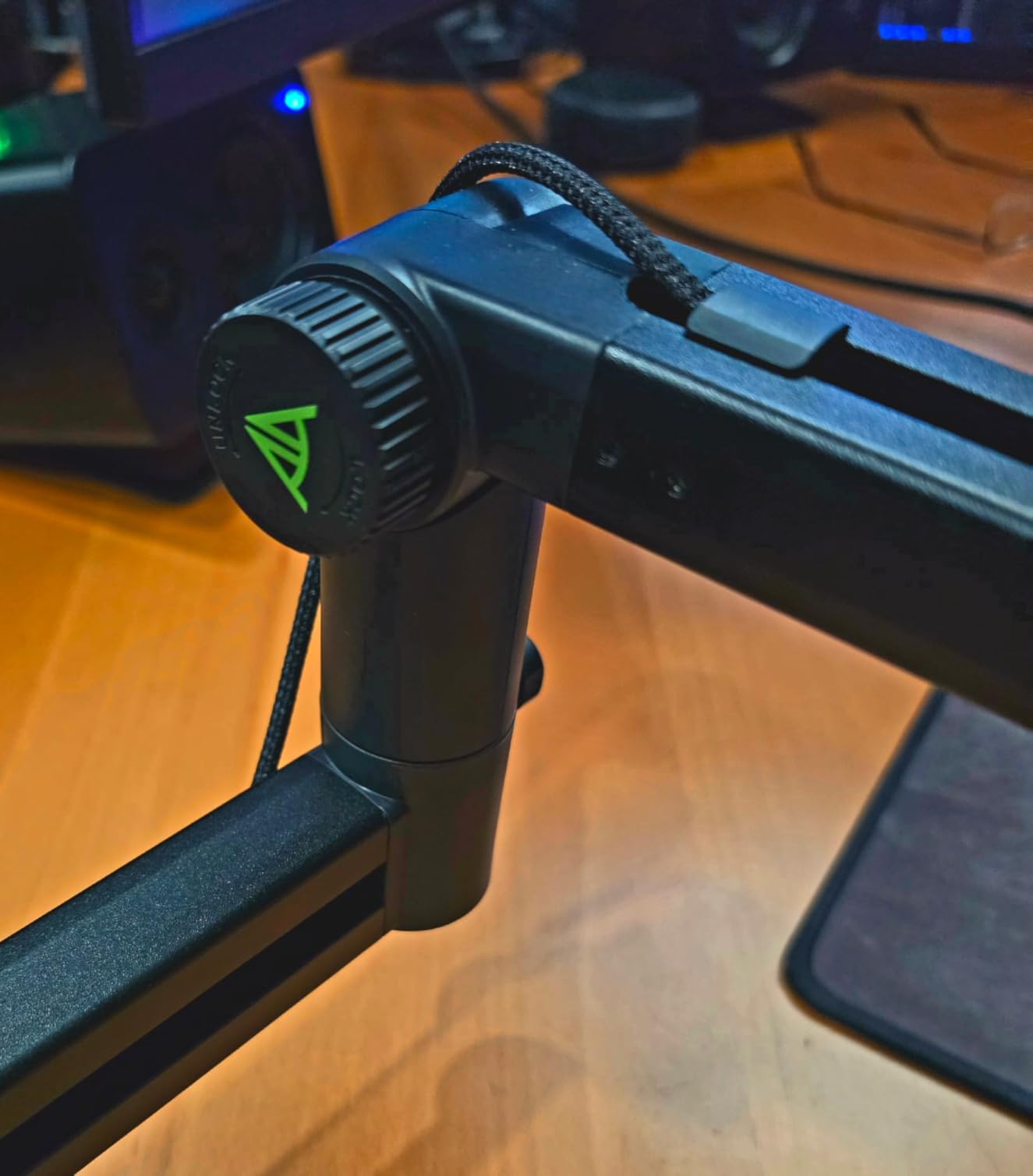
Build Details and Limitations
The final joint where the microphone attaches has a limited angle range. It cannot point fully vertical or reversed, and it will not accept a full acoustic shield, which is a genuine constraint in a treated vocal booth.
A few users report sagging even within the stated limit, and the adjustment knobs are plastic rather than metal. There are no printed instructions in the box, so budget a few minutes for the online assembly video. Everything else you need is supplied: desk clamp, both arms, adapters, and an extension rod, with a one year warranty.
How to Choose a Microphone Arm
Spec sheets do not predict whether you will like an arm. The things that decide it are how it behaves after a month, whether it fits your desk, and whether it matches the weight of what you are holding. Here is the order we would use.
Drift and Creep Come First
Drift is the slow downward migration of a spring arm, and it is the single most cited complaint in this entire category. It happens because spring tension changes with use and temperature, and because cheap joints have more friction variation than machined ones.
Two tests separate the arms. Grab the mic and push it up hard, then release it and see whether it climbs back. Then position it precisely, leave the room for an hour, and come back. An arm that returns to a slightly different spot each time is going to be a permanent minor annoyance.
Geometric designs help here. The Rode PSA1 uses parallelogram linkage so the mic keeps its angle, and the AA AUDIO ACCESSORY arm uses a gear-lock rather than a spring, which removes the mechanism that causes drift in the first place.
Match Mic Weight to Rated Capacity
Weight capacity is the number buyers skip and then regret. The useful rule is to run your microphone at 60 to 70 percent of the arm's rated capacity, which keeps the spring in its comfortable working range and leaves room for a shock mount and pop filter.
As a rough reference, a large side-address USB condenser and a mid-weight dynamic sit comfortably on any arm rated 1.1 kg or above. A heavy broadcast dynamic needs an arm rated 3 kg or more, and a microphone with a shock mount and cage adds enough mass to matter.
There is one trap worth naming. Small arms designed around lightweight USB microphones can rule out a future upgrade before you make it. Check the ceiling now against the microphone you might want in two years, not just the one on your desk today.
Desk Clamp Versus Grommet Mount
A desk clamp is the default because it is reversible and needs no drilling. The failure modes are consistent: desks with a thin lip, rounded or beveled edges, glass tops, and desks pushed flush against a wall all defeat clamps in different ways.
Clamp thickness limits in this guide run from 2 inches on the InnoGear and the FIFINE BM63 up to 2.17 inches on the Shure by Gator arm. The Aokeo AK-58i caps out at 7 cm, and the FIFINE BM88 is the most permissive at 0.8 to 2.4 inches. Measure your desktop thickness and check for a lip before choosing.
A grommet mount bypasses all of it. You drill a single hole, screw a plate into the desk, and the problem disappears permanently. Two arms in this guide include that hardware in the box, the Rode PSA1 and the Sensic SA-30, and those are the two we would pick for a desk you own and plan to keep.
Cable Management Expectations
Cable management is where arms differ most visibly, and it matters more for video than for audio. A dangling XLR cable on camera reads as an unfinished setup, and a cable that crosses a moving joint gets tugged every time you reposition the mic.
Three approaches appear here. Internal channels route the cable through the arm itself, which is the cleanest result and is offered by the FIFINE BM88, the Sensic SA-30, and the Prizmora. Magnetic covers snap over a channel, which is fast to open and easy to reconfigure, and is the Elgato approach. Clip-based channels, as on the Shure by Gator arm, are effective but the clips are the first thing to pop out.
The Rode PSA1 has no enclosed channel at all, and that remains its most common complaint. Budget for a bundle of hook-and-loop wraps if you buy it, which is what most owners do.
One-Handed Adjustment While Wearing Headphones
This comes up constantly in podcasting communities and it is a fair question, because reaching behind your head to adjust an arm with headphones on is genuinely awkward. The honest answer is that most arms in this category need two hands for a meaningful position change.
What you can do instead is minimize how often you need to. The parallelogram design of the Rode PSA1 keeps the mic angle fixed through a move, so you only handle it once. The tool-free knobs on the AA AUDIO ACCESSORY arm and the single top tension screw on the Rode both reduce repositioning to a single action. Arms with a ball head and a loose tension screw need two hands every time.
Handling Noise Versus Desk Vibration
These are two different problems and they produce different winners. Desk vibration is energy travelling from the surface up through the clamp and into the microphone. Handling noise is friction in the joints as you move the arm.
Counterweight design helps with handling noise because the joints stay balanced. Low centre of gravity helps with desk vibration, which is why the Aokeo AK-58i felt rock-steady in our testing. A shock mount at the end of the arm addresses desk vibration directly, and mounting a microphone away from the desk surface on a longer arm does the same thing at a distance.
For a streamer with a mechanical keyboard, we would pair a heavier microphone with a shock mount and a low centre of gravity arm, then treat the joint friction as the second priority.
Dual Arms for Two-Host Shows
Two hosts need two arms, and symmetry matters more than any individual specification. A parallelogram design keeps both microphones facing in correctly even when the two arms sit at different heights, which is the usual failure with a conventional two-spring arm.
Reach is the other factor. If your two microphones need to sit far apart, prioritize the long-reaching designs over the short ones, and check that two clamps can physically sit on the same desk edge without fighting each other for the same 2 inches of jaw space.
What Different Price Tiers Actually Deliver
Across this guide the arms fall into three practical tiers, and the difference between them is mostly mechanism quality rather than features.
At the entry tier you get steel construction, a real spring, and a 2 to 3 lb capacity. These arms work, and the InnoGear proves it with a large body of long-term owner reports. What you give up is enclosed cable routing and machined joint tolerances.
At the middle tier you start seeing internal cable channels, ball heads with included adapters, risers, and warranty cover of two years. The FIFINE BM88 and the Prizmora both land here and both handle heavier microphones than their price suggests.
At the upper tier the differentiator is capacity and mechanism. A 6.6 lb gear-lock arm that will not drift, or a long-reach broadcast arm with a threaded XLR extension, solves problems that no amount of build quality at the entry tier will fix.
Frequently Asked Questions
What is the best microphone arm for podcasting?
The InnoGear Boom Arm is the best microphone arm for most podcasters, with 3.3 lb of capacity, an all-steel build and a 4.5 rating across 24k+ reviews. The Rode PSA1 Professional Studio Arm is the runner-up for the quietest suspension, thanks to its parallelogram linkage and internal springs. If your microphone is a heavy broadcast dynamic, choose an arm rated 3 kg or higher instead.
Will any boom arm work with my microphone?
Any arm with a 5/8 inch thread will fit almost every microphone, and the arms here ship with 1/4 inch and 3/8 inch adapters for the exceptions. The real constraint is weight. Run your microphone at 60 to 70 percent of the arm rated capacity, which means a large USB condenser needs roughly 1.1 kg of capacity and a heavy broadcast dynamic needs 3 kg or more.
Do I really need a boom arm, or is a desk stand fine?
A desk stand is fine for a fixed recording position and a quiet room. An arm earns its place the moment you move, lean, or type near the mic, because it brings the microphone to your mouth, clears the desk surface where vibration lives, and frees up desk space. It is one of the cheapest upgrades available to a podcast setup.
Which is better, the Rode PSA1 or a low profile arm like the Elgato Wave Mic Arm LP?
The Rode PSA1 is a full-height arm with parallelogram linkage that keeps the mic angle fixed as you move it, and it includes both a clamp and a threaded surface mount. The Elgato Wave Mic Arm LP stays below the monitor line and out of a camera frame, supports 2 kg, and uses magnetic cable covers. Choose the Rode for silence and geometry, and the Elgato for on-camera appearance and heavy microphone headroom.
How do I stop a mic arm from sagging?
Sagging comes from three causes. Running your microphone above the arm rated capacity, letting the spring tension change through repeated use, or using an arm whose clamp is losing grip on your desk. Match the weight first, keep the microphone at 60 to 70 percent of capacity, tighten every joint screw evenly, and check the clamp tension every few months. A gear-lock arm removes the spring entirely if drift persists.
Which Microphone Arm Should You Buy?
If you want one recommendation and nothing else, the InnoGear Boom Arm is the mic arm to buy in 2026. It has the largest body of long-term owner reports in this guide, a 3.3 lb capacity that covers almost every microphone a podcaster will own, and a fold-flat design that does not take over your desk.
If your priority is the quietest possible suspension and the most predictable mic angle, pick the Rode PSA1 Professional Studio Arm. If you are on camera, the Elgato Wave Mic Arm LP keeps the hardware below your monitor line and out of frame.
If you run a heavy broadcast dynamic such as an SM7B or an MV7+, the AA AUDIO ACCESSORY gear-lock arm carries 6.6 lb and has no spring to drift. If your desk is thick, awkward, or flush to a wall, choose the Rode PSA1 or the Sensic SA-30, the two arms that include a grommet mount alongside the clamp. If you need the arm to disappear between sessions, the FIFINE BM63 folds flat and holds position without a spring.
Measure your desktop thickness, check your microphone weight, and pick the arm that clears both with room to spare. That single check eliminates almost every return in this category.